

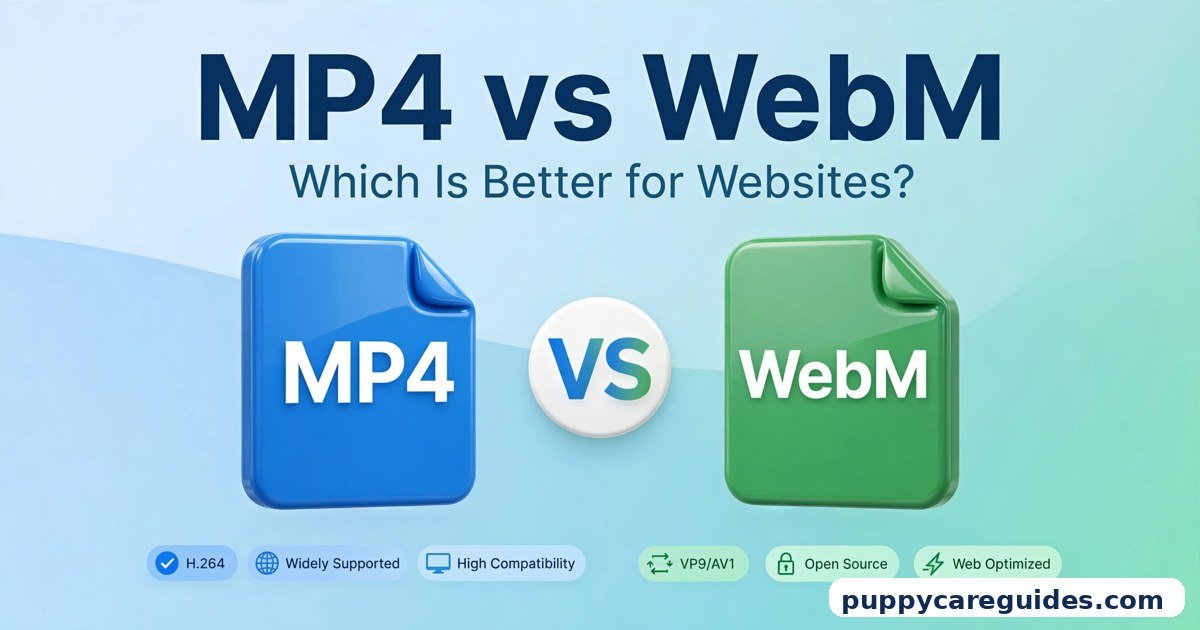
MP4 vs WebM: Which Is Better for Websites?
Quick Answer
Use WebM as the main format for video that plays on your website — its files are smaller, so pages load faster — but always provide an MP4 version as a fallback for older browsers and devices. Use MP4 alone when the video must also work outside the browser: downloads, social media, WhatsApp, TVs, and editing. That is the short answer to mp4 vs webm.
For more technical background, see the WebM overview on Wikipedia.
Table of Contents
This is not a war with one winner. WebM was built by Google for one job — video on the web — and it does that job smaller and faster. MP4 is the universal format that works everywhere, including the web. The professional setup most fast websites use is both: WebM first, MP4 as the safety net.
Introduction
Video makes websites heavy. A single one-minute clip saved the wrong way can weigh more than every image, font, and line of code on the page combined — and your visitors feel every megabyte as waiting time, especially on a phone connection.
That is exactly the problem WebM was created to solve, and exactly why MP4 refuses to go away: it is the one format every single browser, phone, and app on earth can play.
So which one belongs on your website? The honest answer depends on who visits your site, how they watch, and whether the video ever needs to live anywhere other than the page. This guide compares MP4 vs WebM properly — what each format is, the size and support differences that actually matter, the famous browser catch with WebM, and the simple two-format setup that gives you the best of both. If you are coming from our previous article, AVI vs MP4, you already know MP4’s side of the story; this time it faces its modern web rival. The mp4 vs webm decision is simpler than it looks once you know what to check first.
The table below sums up mp4 vs webm at a glance.
mp4 vs webm: Quick Comparison Table
| Feature | MP4 | WebM |
|---|---|---|
| Full name | MPEG-4 Part 14 | Web Media (WebM) |
| Released / by whom | 2001 (MPEG) | 2010 (Google) |
| Built for | Everything — phones, TVs, web, sharing | The web — browsers and HTML5 video |
| File size (same video, similar quality) | Bigger | Smaller — typically 20–40% smaller |
| Codecs inside | H.264 / H.265 video, AAC audio | VP8 / VP9 / AV1 video, Opus / Vorbis audio |
| Video quality | Excellent | Excellent — matches MP4 at smaller sizes |
| Browser support | Every browser, old and new | All modern browsers; older Safari versions lack full support |
| Support outside browsers | Phones, TVs, editors, apps — everywhere | Poor — many editors, TVs and apps cannot open it |
| Transparency (alpha channel) | No (in normal use) | Yes — video with see-through backgrounds |
| Streaming | Yes, designed for it | Yes, designed for it |
| Licensing | Built on patented codecs (handled by platforms/browsers) | Royalty-free and open |
| Best for | Universal playback, downloads, social media, sharing | Fast-loading website video, web animations |
What Is MP4?
MP4, formally MPEG-4 Part 14, is the world’s default video format. Introduced in 2001, it normally carries H.264 (or newer H.265) video with AAC audio, a combination every device of the last fifteen years understands. Our deep dive on those engines is in H.264 vs H.265. The whole mp4 vs webm story starts here.
On a website, MP4 is the safe foundation. The HTML <video> tag plays it in every browser ever made that supports web video at all. There is no visitor you can have — oldest laptop, cheapest phone, smart TV browser — for whom a well-made MP4 simply refuses to play. Its weakness on the web is purely weight: for the same clip at the same visible quality, its files are larger than WebM’s, and larger files mean slower pages and more data burned for your visitors.
Real example: A 30-second product clip might be, as a typical figure, around 8–15 MB as an MP4 depending on resolution and settings. That is perfectly watchable, but on a page with four such clips, your visitors are downloading serious weight before they see anything move. In any mp4 vs webm comparison, MP4 stands for playing anywhere, browsers and devices alike.
What Is WebM?
WebM arrived in 2010, released by Google as an open, royalty-free format designed specifically for HTML5 web video. It is a container — a close cousin of MKV, in fact, built from the same Matroska family tree — that normally holds VP9 video (increasingly AV1) with Opus audio. The mp4 vs webm gap is easiest to understand right here.
That codec pairing is WebM’s superpower. VP9 and especially AV1 compress video more efficiently than the H.264 found in most MP4 files, so the same clip at the same visible quality comes out meaningfully smaller. Smaller files mean the video starts sooner, buffers less, and costs your visitors less data. WebM has a second trick MP4 cannot match in everyday use: an alpha channel, meaning parts of the video can be transparent — a product or character can float over your page background with no box around it. File size is where mp4 vs webm gets practical.
WebM’s weakness is everything outside the browser. Many video editors cannot import it, most TVs cannot play it, WhatsApp will not send it as a normal video, and older Safari versions did not support it fully. It is a specialist: unbeatable at its one job, not built for the others.
Real example: Take that same 30-second product clip. Saved as WebM with VP9, it will typically land around 20–40% smaller than the MP4 version — again a typical range, not a lab promise — with picture quality viewers cannot tell apart in a browser window. On a busy product page, that saving repeats for every visitor, every day. In any mp4 vs webm comparison, WebM stands for the smallest files on the web.
mp4 vs webm: Key Differences Between MP4 and WebM
1. File size and page speed
This is the difference the whole comparison turns on. As a typical range, WebM files are around 20–40% smaller than MP4 files of the same video at similar visible quality, thanks to VP9 and AV1 compression. The exact saving depends on the content — busy, fast-moving scenes save less; calmer footage saves more — but WebM is always the smaller file.
On a website, size is speed. A smaller video starts playing sooner, stalls less on weak connections, and lowers the total weight of your page, which visitors feel immediately and which also matters for how search engines judge your site’s performance. If your page carries video, this is real money: every megabyte you shave is a megabyte thousands of visitors do not have to wait for.
2. Browser support: the Safari catch
MP4 plays in every browser, full stop, and always has.
WebM plays in Chrome, Firefox, Edge, Opera, and Android browsers, and modern Safari versions have added support for WebM’s codecs — but older Safari versions on older Macs and iPhones lacked full WebM video support for many years. That long history is why “WebM does not work on Safari” became the famous warning, and why it is still not safe to serve WebM alone: a visitor on an older Apple device can be left staring at a black box.
The fix is built into HTML itself: the <video> tag lets you list several versions of the same video, and each browser automatically plays the first one it understands. WebM first, MP4 second — every visitor gets a working video, and modern browsers get the smaller file. You will see the exact setup in the conversion section below.
3. Life outside the browser
A website video often needs a second life: the same clip goes to Instagram, gets sent to a customer on WhatsApp, or gets edited into a longer video.
MP4 handles all of that effortlessly — it is the accepted format on every platform and in every editor. WebM mostly does not: many editors refuse it or handle it badly, TVs and media players commonly cannot open it, and messaging apps will not treat it as a normal shareable video. If a clip’s job includes anywhere other than your web page, an MP4 master must exist. WebM should only ever be a delivery copy made from that master, never your only copy.
4. Transparency and web effects
WebM can carry an alpha channel — true transparency inside a moving video. On a website that is genuinely useful: a presenter, a product, or an animated logo can appear directly over the page’s background colour or image, with no rectangular video box. Designers use it for product demos and animated characters that blend into the page.
MP4, in normal real-world use, cannot do this: its background is always a solid rectangle. If your design needs see-through video, WebM (with an MP4 fallback showing a solid-background version) is the only practical route of the two.
5. Codecs and licensing
Inside an MP4 you get H.264 or H.265 — superb, universal codecs that historically sit on patented technology, with the licensing handled behind the scenes by browsers, platforms, and device makers, so you as a site owner never deal with it directly.
WebM’s codecs — VP9, AV1, and Opus audio — are royalty-free and open, which is a large part of why browsers adopted them so eagerly. The newer of the two, AV1, is also the most efficient compressor here; we compare it directly with its rival in H.265 vs AV1. Practically, this difference costs you nothing either way, but it explains why the web’s own format keeps getting the newest compression technology first.
6. Quality at the same size
When the file size is held equal instead of the quality, WebM pulls ahead: a 5 MB WebM generally looks cleaner than a 5 MB MP4 of the same clip, with less softness and fewer blocky patches in detailed scenes, because its codecs spend each megabyte better.
The honest limit: at generous sizes, both look excellent and the gap disappears from a normal viewing distance. WebM’s advantage is efficiency, not magic — it matters most exactly where websites live, in the world of small files and fast starts. Every mp4 vs webm difference above comes back to the universal format versus the web-only specialist.
mp4 vs webm: Best Uses of MP4
- Your fallback for every website video — The second source in the
<video>tag, guaranteeing that every visitor, including older Safari users, can watch. - Downloadable videos — If visitors can download the clip (a course lesson, a resource file), MP4 is the format that will play on their device afterwards.
- Videos that also go to social media — One file serves the website, YouTube, Instagram, and Facebook with no extra exports.
- Sharing through chat and email — WhatsApp, Messenger, and email attachments all expect MP4; a WebM here fails your reader.
- Your master copy — Keep the original, editable, universally playable version of every video as MP4; produce WebM copies from it as needed.
- Background video on simple or older sites — If you can only serve one format (a basic site builder, for instance), MP4 is the one format that works for everyone.
mp4 vs webm: Best Uses of WebM
- The main source for website video — Listed first in the
<video>tag so Chrome, Firefox, Edge, and modern Safari visitors get the smaller, faster file. - Background and hero videos — A muted, looping banner video is pure decoration; WebM’s smaller size makes the page feel instant instead of heavy.
- Product demos on shop pages — Faster-starting demos on pages where every second of loading can cost a sale, with MP4 behind them as fallback.
- Transparent video effects — Presenters, products, and animated logos floating over the page background — WebM’s unique party trick.
- Replacing animated GIFs — A short looping WebM is a fraction of the size of the same animation as a GIF, at far better quality; websites have quietly swapped GIFs for WebM for years.
- Mobile-heavy audiences — Where most visitors are on phones and data connections, WebM’s smaller files are a direct kindness to your audience. For a fast-loading website, mp4 vs webm usually ends in WebM’s favour.
Pros and Cons
MP4 — Pros
- Plays in every browser and on every device, old and new
- Accepted by every platform, editor, and app
- The right format for downloads and sharing
- Excellent quality, universally understood
MP4 — Cons
- Larger files than WebM at the same quality — slower pages
- No transparency support in normal use
- Uses more of your visitors’ mobile data
WebM — Pros
- Typically 20–40% smaller files — faster loading, less buffering
- Matches MP4’s visible quality at those smaller sizes
- Supports transparent video
- Royalty-free and open, with the newest codecs (AV1). That is the mp4 vs webm balance in one line.
WebM — Cons
- Older Safari versions lack full support — never serve it alone
- Poor support in editors, TVs, and messaging apps
- Useless as a master copy; you must keep an MP4 original anyway
- Encoding to AV1 in particular can be slow on older computers. This is where the mp4 vs webm choice really bites.
mp4 vs webm: Which Should You Choose?
- Beginner / simple website: Serve both if your platform allows it (WordPress and most builders make this easy). If you genuinely can only pick one file, pick MP4 — working everywhere beats loading faster for some.
- Student: For a class project or portfolio site, export MP4 as your main file and add a WebM version if your tool makes it one extra click. Teachers open files on all kinds of machines — universal playback protects your grade.
- Creator / blogger: Always keep your MP4 master. Publish to your site with WebM first and MP4 as fallback, and post the same MP4 to social platforms. You get the speed on your own pages without giving up reach anywhere else.
- Professional / business site: The two-format setup is standard practice, not optional polish. WebM (VP9 or AV1) for modern browsers, MP4 for everyone else, plus a poster image so the page looks complete before the video loads. Audit older Apple devices in your testing — they are the one audience this setup exists to protect. Decide mp4 vs webm by where the video plays — a web page or everywhere else — and the choice makes itself.
mp4 vs webm: Common Mistakes
- Serving WebM only. The classic error. Everything looks perfect in your Chrome window while visitors on older iPhones and Macs see a black rectangle. Always ship the MP4 fallback.
- Keeping WebM as your only copy of a video. WebM is a delivery format, not an archive. Keep the MP4 master; you cannot edit or repurpose a WebM easily later.
- Uploading a giant MP4 and calling it done. A 4K, 80 MB hero video will strangle a page on mobile data even in the “right” format. Compress sensibly: most website video looks great at 1080p, and background video often at 720p.
- Forgetting the poster image and dimensions. Without a poster frame and fixed width/height, the page jumps around as the video loads — ugly, and bad for how your page is scored. Add both; it takes a minute.
- Autoplaying with sound. Browsers will block it or mute it anyway, and visitors hate it. Autoplay only muted, or let the visitor press play.
- Converting a WebM back to MP4 for the fallback. Always export both formats from the original project or master file. Converting from WebM means compressing an already-compressed file, and quality quietly leaks away. Most mp4 vs webm regrets come from exactly these avoidable errors.
How to Convert MP4 to WebM (and Set Up Both on a Page)
- Start from the master file — your exported MP4 (or the original project), never from an already-converted WebM.
- Pick a trusted tool. Shutter Encoder or HandBrake (both free) can export WebM; the online converters on well-known sites also work for small files. FFmpeg is the powerful free option if you are comfortable with a command line.
- Choose the codec: VP9 is the safe, fast-encoding choice and plays in every WebM-supporting browser. AV1 gives the smallest files but encodes much more slowly — use it for short clips or when size is critical.
- Match the website’s needs, not the camera’s. Set the resolution your page actually shows (commonly 1080p, or 720p for background video) and a quality-based setting rather than an enormous fixed bitrate.
- Convert the same master to your MP4 fallback too, if your existing MP4 is oversized — same resolution, H.264, sensible quality setting.
- Upload both files to your site with matching names, for example
product-demo.webmandproduct-demo.mp4, plus a poster image such asproduct-demo.jpg. - Embed with the WebM listed first so each browser picks the best file it understands:
<video controls poster="product-demo.jpg" width="1280" height="720">
  <source src="product-demo.webm" type="video/webm">
  <source src="product-demo.mp4" type="video/mp4">
  Your browser does not support web video.
</video>
- Test like a visitor: open the page in Chrome (should use the WebM), then in Safari or on an iPhone (should fall back to the MP4), and check the video starts quickly on a phone connection. Whichever side of mp4 vs webm you pick, keep the original file saved before you convert.
mp4 vs webm: FAQs
Is WebM always better than MP4 for a website?
Only as the first choice, not as the only choice. WebM gives most of your visitors a smaller, faster video — but older Safari support means WebM alone will break the experience for some visitors. The best website setup is WebM plus an MP4 fallback, which HTML makes effortless. This is the core of the mp4 vs webm debate.
Does WebM look worse than MP4?
No. At the same visible quality, WebM simply uses a smaller file; at the same file size, WebM usually looks a little cleaner. In a normal browser window at normal settings, viewers do not see a quality penalty for choosing WebM — they see a faster start. That is mp4 vs webm in practice.
Why does my WebM video show a black box on iPhone?
You are most likely looking at an older iOS/Safari version without full WebM support — the historic weak spot of the format. The cure is the MP4 fallback in your <video> tag, listed after the WebM source. The iPhone will skip the file it cannot play and use the MP4 automatically. That is the mp4 vs webm difference where it counts.
Can I upload WebM to YouTube or Instagram instead of MP4?
YouTube accepts WebM uploads, because it re-processes everything into its own formats anyway. Instagram and most other social platforms expect MP4 and may reject WebM or handle it badly. For anything leaving your own website, MP4 remains the format to send. That is mp4 vs webm in daily use.
Should my background video be WebM or MP4?
Both, in the same two-file pattern — but if the video is decoration, WebM matters even more: it is usually the largest file on the page, it autoplays for every visitor, and nobody needs to download or share it. Serve the small WebM to modern browsers, the MP4 to the rest, keep it muted, short, and at a modest resolution. That is the mp4 vs webm difference that matters most.
mp4 vs webm: Final Verdict
For websites: WebM leads, MP4 catches — use both. WebM’s smaller files make pages faster for the majority of visitors, and its transparency trick has no MP4 answer. MP4’s universal support makes it the irreplaceable fallback and the only sensible master, download, and sharing format. Put WebM first, MP4 second, and a poster image underneath, and this question never troubles your site again. That is the mp4 vs webm choice in short: WebM for websites, MP4 for everything else.
Related Articles
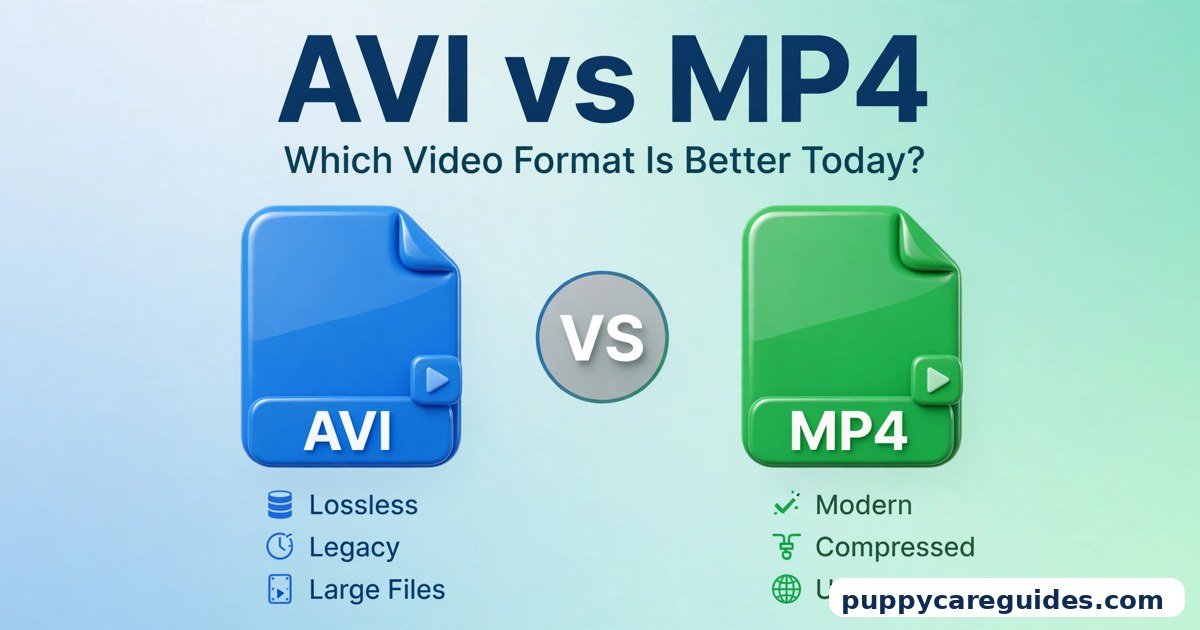
- AVI vs MP4: Which Video Format Is Better Today? — the previous article in this series: why the old giant lost to MP4, and how to convert old files.
- MKV vs MOV: Which Is Better for Storing Videos? — the next article in this series, on the two heavyweight containers.
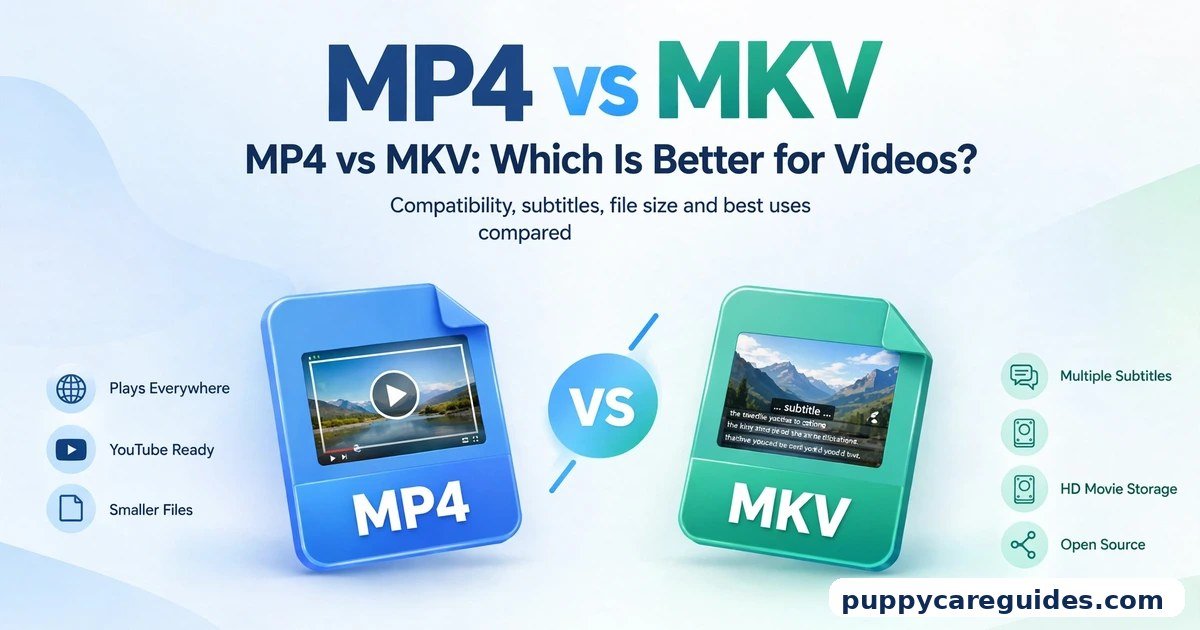
- MP4 vs MKV: Which Is Better for Videos? — when the open-source container beats MP4 for storing your library.
- H.265 vs AV1: Which Codec Is the Future? — AV1 is the codec inside the best WebM files; here is how it stacks up against MP4’s newest engine.







Leave a Reply