

H.265 vs AV1: Which Codec Is the Future of Streaming?
Quick Answer
Use H.265 (HEVC) for recording, local files, and anything that must play on today’s TVs and phones, and think of AV1 as the future of online streaming. That is the short answer to h.265 vs av1.

For more technical background, see the AV1 overview on Wikipedia.
Table of Contents
H.265 is the established codec: cameras record in it, TVs decode it, and editing tools support it everywhere. AV1 compresses a little better and is completely royalty-free, which is why YouTube and Netflix are moving to it for streaming. But AV1 encoding is slower and hardware support is still catching up. Today H.265 is the safe working codec; tomorrow’s streams will increasingly be AV1.
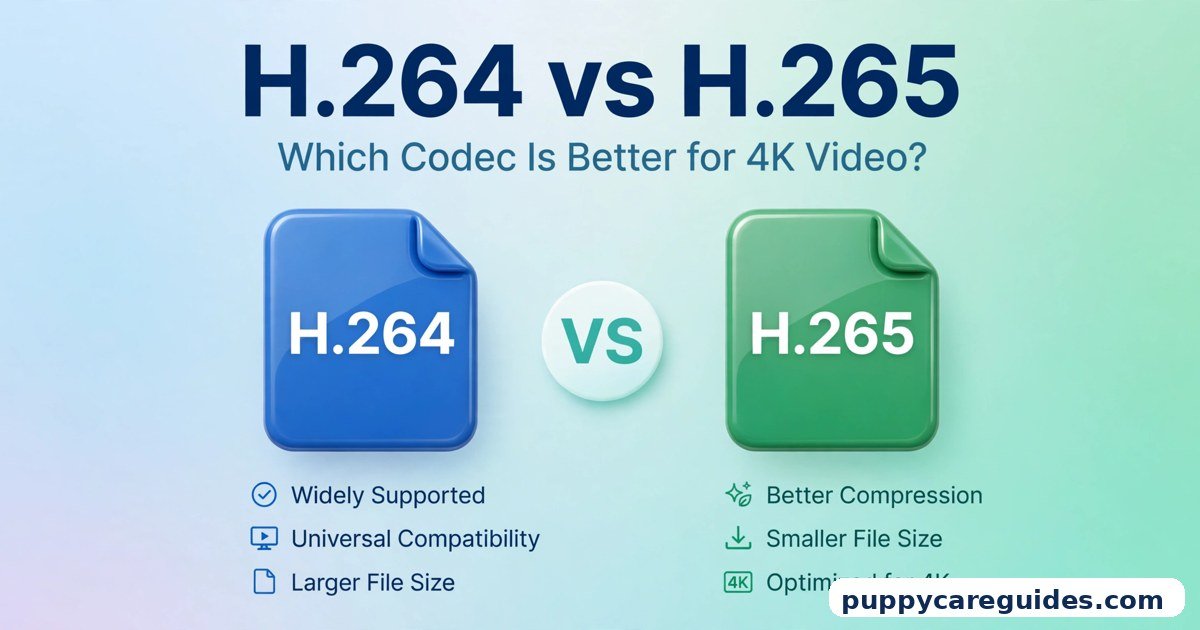
Not sure where these fit? Start with H.264 vs H.265 to see how we got here.
Introduction
Every video you watch — on YouTube, Netflix, your phone, anywhere — has been squeezed by a codec. The codec decides how small the file becomes and how good it still looks. Choose a weak codec and you pay with giant files and buffering. Choose a strong one and the same video arrives faster, sharper, and cheaper to store.
Right now two strong codecs are fighting for the crown. H.265, also called HEVC, is the polished professional: a big improvement over the older H.264, built into almost every modern camera and TV. AV1 is the ambitious newcomer: created by an alliance of the biggest names in tech, slightly better at compressing, and free for anyone to use.
So which one is “the future”? The honest answer has two parts — because the codec that wins streaming is not necessarily the codec you should record and edit with today. This guide separates the hype from the reality. The h.265 vs av1 decision is simpler than it looks once you know what to check first.
h.265 vs av1: Quick Comparison Table
The table below sums up h.265 vs av1 at a glance.
| Feature | H.265 (HEVC) | AV1 |
|---|---|---|
| Compression efficiency | Excellent — roughly half the size of H.264 at the same quality | Best in class — typically 20–30% smaller than H.265 at the same quality |
| Licensing | Patented; licence fees apply through patent pools | Royalty-free and open |
| Streaming platform use | Used by some services; Apple ecosystem favourite | YouTube and Netflix actively expanding AV1 streaming |
| Hardware decoding | Very wide — TVs, phones, consoles, streaming sticks | Growing fast — newer phones, GPUs and TVs; older devices lack it |
| Encoding speed | Moderate to fast, especially with hardware encoders | Slow in software; much faster with new hardware encoders |
| Recording & cameras | Standard — iPhones, drones, action cameras record in H.265 | Almost never used for camera recording |
| Editing support | Supported in all major editors | Supported in newer editor versions; still maturing |
| Best for | Recording, local 4K files, TV playback | Online streaming, web video, future-proof platforms |
Note: percentage figures are typical ranges quoted across many comparisons, not measurements from one test video. Your results will vary with content and settings.
What Is H.265?
H.265, officially HEVC (High Efficiency Video Coding), arrived in 2013 as the successor to the hugely successful H.264. Its promise was bold and it delivered: about the same picture quality as H.264 in roughly half the file size, or much better quality in the same size. The whole h.265 vs av1 story starts here.
That efficiency is why H.265 quietly took over the world of high-resolution video. It is the codec your iPhone records with when you choose “High Efficiency.” It carries 4K broadcasts and Ultra HD Blu-ray discs. Drones, GoPros, security cameras and streaming services all lean on it because at 4K, the older H.264 simply produces files that are too big to be practical.
The catch has never been quality — it is business. H.265 is covered by patents held by many companies, and using it commercially can involve licence fees paid through patent pools. That messy licensing is exactly what pushed the tech industry to build an alternative.
Real example: You shoot a holiday video on a recent iPhone. It is saved as H.265, looks great in 4K, and takes up about half the space the same video would have needed a few years ago. You never chose the codec — Apple chose it for you, for exactly these reasons. In any h.265 vs av1 comparison, H.265 stands for the proven codec that works today.
What Is AV1?
AV1 is a video codec released in 2018 by the Alliance for Open Media — a group whose members include Google, Apple, Amazon, Netflix, Microsoft, Mozilla and other giants. Instead of each company pushing its own patented format, they built one powerful codec together and made it royalty-free: anyone can use AV1 without paying licence fees. The h.265 vs av1 gap is easiest to understand right here.
Technically, AV1 squeezes video slightly harder than H.265. It uses smarter prediction and filtering tools to keep detail in difficult scenes — film grain, smoke, water, dark shadows — while sending less data. For a streaming company serving billions of views, saving even 20% of bandwidth is worth a fortune in server costs, and that is before counting happier viewers on slow connections. Streaming is where h.265 vs av1 gets practical.
The trade-off is effort. All that cleverness makes AV1 much harder to create (encode) than H.265, and devices need dedicated hardware to play it efficiently. The industry is solving both problems year by year, which is why AV1 feels less like a question of “if” and more a question of “when.”
Real example: Watch a popular video on YouTube using a modern browser or a recent phone, and there is a good chance the stream arriving at your screen is AV1 — chosen by YouTube’s servers because your device can decode it, saving bandwidth for both sides. In any h.265 vs av1 comparison, AV1 stands for royalty-free compression built for the future.
h.265 vs av1: Key Differences Between H.265 and AV1
1. Compression: AV1 squeezes a little harder
At the same visible quality, AV1 files are typically around 20–30% smaller than H.265 files. That is a real but modest lead — nothing like the leap from H.264 to H.265, which roughly halved file sizes. On easy content like a talking-head video, the gap shrinks; on complex scenes — confetti, rain, fast sports, film grain — AV1’s advantage grows, because its tools were designed exactly for the frames other codecs find expensive.
Honest bottom line: AV1 is the efficiency champion, but it wins by a length, not by a lap.
2. Licensing: AV1 is free, H.265 is not
This difference matters more to companies than to viewers, but it shapes everything you watch. H.265’s patents are managed through multiple licence pools, and the total cost and rules have been famously complicated. Browser makers hated it — which is why H.265 never became the web’s default video codec.
AV1 was designed to end that story: open and royalty-free forever. That is why browsers embraced it, why streaming platforms promote it, and why chip makers are adding it without fear of future bills. When an entire industry saves money by switching, the switch usually happens.
3. Streaming: platforms are moving to AV1
Netflix began streaming AV1 to some devices years ago and keeps expanding it, especially for mobile viewers where every megabyte counts. YouTube serves AV1 aggressively: for popular videos, and on hardware that supports it, AV1 is often the default stream — you can check this yourself by opening “Stats for nerds” on a desktop video and looking at the codec line.
H.265 is not absent from streaming — Apple TV+ and some other services use it, and it dominates downloads, discs and local files. But the momentum graph points one way: the biggest streaming platforms invest in AV1 first.
4. Hardware support: H.265 is everywhere, AV1 is catching up
Almost every TV, phone, tablet, console and streaming stick sold in the last several years can decode H.265 in hardware — meaning smoothly, with little battery drain. Press play and it just works.
AV1 hardware decoding arrived later: newer flagship phones, recent smart TVs, and modern graphics cards (such as NVIDIA’s RTX 40-series and recent Intel and AMD chips) include it, and the list grows with every product generation. But an older device without AV1 hardware may still play AV1 in software — at the cost of heat, battery and sometimes stutter. Streaming services handle this gracefully by simply sending those devices H.264, VP9 or H.265 instead.
5. Encoding speed: H.265 is far easier to create
Encoding is where AV1 pays for its efficiency. Software AV1 encoding can be several times slower than H.265 at high quality settings. A creator exporting a long video may wait noticeably longer, and live streamers historically could not use AV1 at all without serious hardware.
This is improving fast. Modern graphics cards now include dedicated AV1 encoders, and streaming software like OBS supports them, making live AV1 streaming genuinely practical on new hardware. But on an average older PC, H.265 remains the faster, simpler workhorse — and for recording, cameras almost universally chose H.265 because it can encode in real time on a tiny chip inside a phone or drone.
6. Recording, editing and everyday files: H.265 owns this world
Your workflow tools were built around H.265. Phones, drones and action cameras record it. Premiere Pro, DaVinci Resolve, Final Cut and CapCut all handle it natively. TVs play H.265 files straight from a USB stick.
AV1 is a playback-and-streaming codec first. Editing software support is arriving but younger, cameras do not record AV1, and sending a friend an AV1 file can still end with “it won’t open on my TV.” For files you create, keep and share yourself, H.265 is the practical champion — and will be for years. Every h.265 vs av1 difference above comes back to today’s standard versus tomorrow’s.
h.265 vs av1: Best Uses of H.265
- Phone and camera recording — save space on 4K footage without losing quality
- Local 4K movie libraries — files that play directly on almost any modern TV
- Drones and action cameras — efficient real-time encoding on small devices
- Editing projects — smooth, native support in every major editor
- Sharing large videos — the best balance of size and “it will actually play” confidence
h.265 vs av1: Best Uses of AV1
- Online streaming platforms — YouTube and Netflix use it to cut bandwidth while keeping quality
- Web video — smaller streams for visitors on slow or mobile connections
- Live streaming on new hardware — AV1 encoders in modern GPUs make streams look better at the same bitrate
- Mobile viewing — streaming apps send AV1 to capable phones to save viewers’ data
- Future-proof services — any platform planning for 4K and beyond at huge scale. For streaming platforms, h.265 vs av1 usually ends in AV1’s favour.
Pros and Cons
H.265 — Pros
- Roughly half the file size of H.264 at the same quality
- Hardware decoding in virtually all modern TVs, phones and consoles
- Standard for cameras, drones and 4K discs
- Fast hardware encoding; full editing-tool support
H.265 — Cons
- Patent licence fees and complicated pools for commercial use
- Browsers never fully embraced it for web video
- Slightly larger files than AV1 at the same quality
AV1 — Pros
- Typically 20–30% smaller than H.265 at the same quality
- Royalty-free and open — no licence fees, ever
- Backed by Google, Netflix, Apple, Amazon and the rest of the streaming world
- Better at preserving film grain and difficult detail. That is the h.265 vs av1 balance in one line.
AV1 — Cons
- Slow software encoding; best results need new hardware
- Older TVs, phones and sticks cannot decode it in hardware
- Cameras do not record it; editing support still maturing
- Sending AV1 files to friends can hit compatibility walls. This is where the h.265 vs av1 choice really bites.
h.265 vs av1: Which Should You Choose?
- Beginner / everyday user: Do not change anything. Let your phone record H.265 and let streaming apps choose AV1 automatically when your device supports it — they already do this for you.
- Student: Keep coursework and project files in H.265 so they play on any laptop or classroom screen you meet. AV1 matters to you mainly as the reason your streams look good on weak hostel Wi-Fi.
- Creator / YouTuber: Edit in your camera’s format, then upload high-quality files to YouTube as we explain in MP4 vs MKV — YouTube itself will create AV1 versions for viewers whose devices support it. Your upload choice matters less than your upload quality. If you live-stream with a modern GPU, test its AV1 encoder: viewers often get a visibly cleaner picture at the same bitrate.
- Professional / broadcaster: H.265 for delivery files, archives and broadcast workflows today. If you run a platform or serve video at scale, build AV1 into your encoding pipeline now — the bandwidth savings compound with every view, and hardware support will only widen. Decide h.265 vs av1 by your hardware and deadline — proven support today or the royalty-free future — and the choice makes itself.
h.265 vs av1: Common Mistakes
- Converting your whole library to AV1 to save space. Re-encoding an H.265 file to AV1 shrinks it a little but costs quality and a lot of time. Keep originals as they are; the saving rarely justifies the loss.
- Assuming AV1 will not play, or that it will play everywhere. Both extremes are wrong in 2025-26: modern devices handle it well, older ones struggle. Check the specific device before you rely on it.
- Blaming the codec for a bad stream. Most buffering and softness comes from bitrate and connection, not the codec name. A generous-bitrate H.265 stream beats a starved AV1 one every time.
- Recording important footage in an experimental format. Weddings and client work belong in the codec your editor and backup tools fully support — today that is H.264 or H.265.
- Ignoring hardware encoding. Judging AV1 by an old software encode on an old CPU is unfair; a modern GPU encoder changes both the speed and the practicality completely. Most h.265 vs av1 regrets come from exactly these avoidable errors.
How to Choose and Convert: A Simple Step-by-Step
Follow this when you face a real decision:
- Ask what the video is for. Streaming to an audience → the platform handles codecs; focus on a high-quality upload. Playing on your own TV/devices → H.265. Sending to friends → H.265 in an MP4 container is the safest.
- Check the playing device. Look up whether it lists AV1 hardware decoding (recent flagship phones, newer TVs and GPUs do). No AV1 support? Stay with H.265.
- Keep your master file. Archive the original camera file or a high-quality H.265 export. Never let a conversion be your only copy.
- Convert with a trusted free tool. HandBrake (free, Windows/Mac/Linux) handles both codecs: load your file, choose the MP4 container, pick “H.265” or “AV1” under Video Encoder, set a quality around RF 20–24 for H.265 or RF 25–30 for AV1 as a typical starting range, then encode a short test clip first.
- Compare honestly. Play the test on the actual target device, at the actual screen size. If AV1 looks the same and saves meaningful space and plays smoothly, use it. If not, H.265 is not a defeat — it is the right tool.
- Name files clearly. Add the codec to the filename (for example
trip_4k_h265.mp4) so future-you knows what each version is. Whichever side of h.265 vs av1 you pick, keep the original file saved before you re-encode.
h.265 vs av1: FAQs
Is AV1 really the future, or just hype?
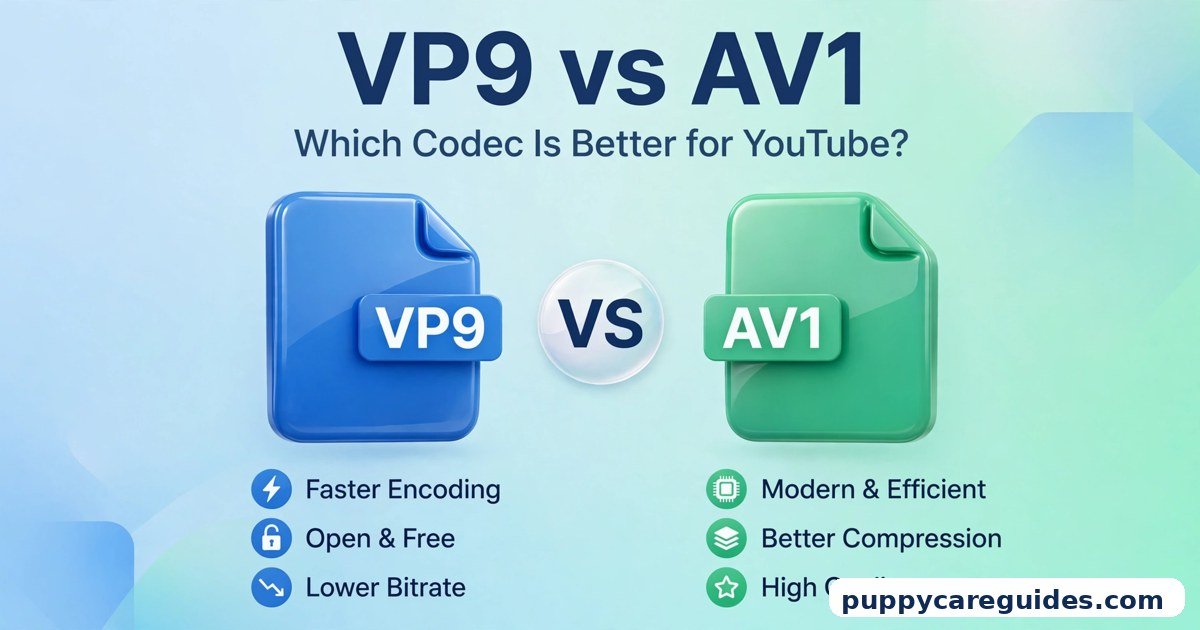
It is genuinely the direction of streaming: the biggest platforms and chip makers are investing in it, and royalty-free licensing removes the biggest obstacle that held back H.265 on the web. “Future” does not mean H.265 disappears — expect a long overlap where H.265 rules recording and local files while AV1 takes over streams. The next contest is already forming, and our VP9 vs AV1 comparison shows the codec YouTube built before AV1. This is the core of the h.265 vs av1 debate.
Will AV1 play smoothly on my laptop or phone?
On devices from the last few years with AV1 hardware decoding — recent flagship phones, modern laptops and GPUs — yes, smoothly and efficiently. On older hardware, software decoding may work for 1080p but can drain the battery and heat the device, and 4K AV1 may stutter. This is why services send different codecs to different devices automatically. That is h.265 vs av1 in practice.
As a creator, should I export my videos in AV1 for YouTube?
Usually not directly. Upload a high-quality H.264, H.265 or ProRes master and let YouTube’s industrial encoders make the AV1, VP9 and H.264 versions. Their AV1 encodes will be better optimised than a typical home export, and you keep a universally compatible master. Live streaming is the exception: a modern GPU’s AV1 encoder can improve your live picture noticeably. That is the h.265 vs av1 difference where it counts.
Is AV1 quality visibly better than H.265?
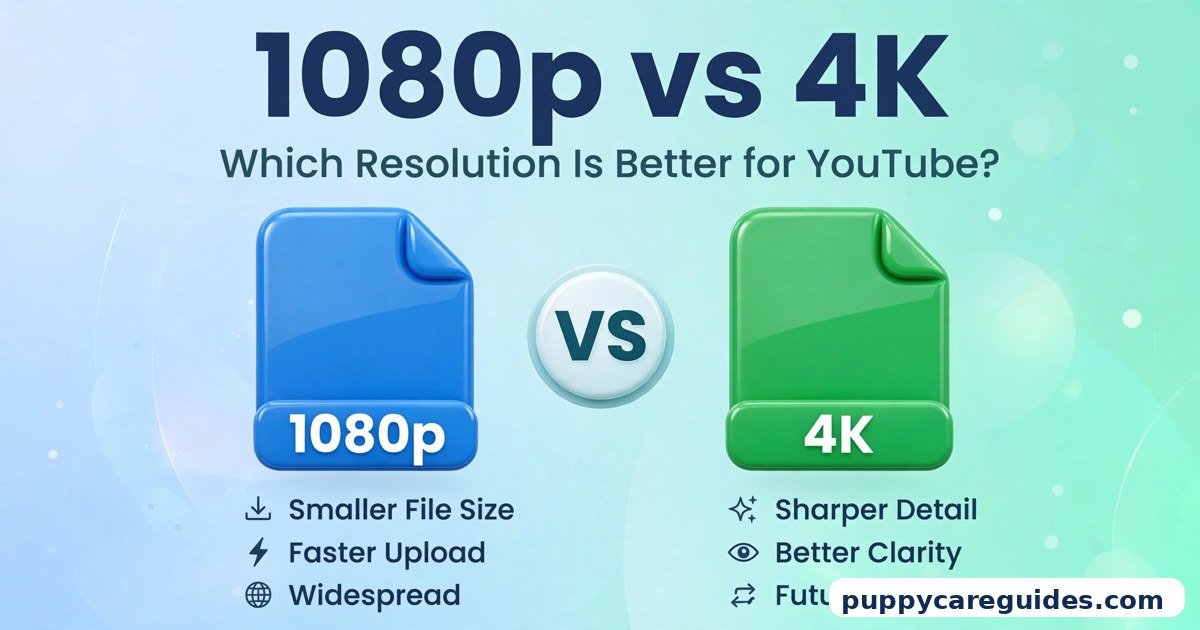
At generous bitrates both look excellent and most viewers cannot tell them apart. AV1’s edge appears when data is tight — low-bitrate streaming, mobile connections — where it holds detail and grain that H.265 starts to smudge. It is an efficiency advantage more than a dramatic visual one. Resolution plays a role too; see 1080p vs 4K for how much that matters on real screens. That is h.265 vs av1 in daily use.
Does Netflix really use AV1?
Yes. Netflix has streamed AV1 to supported devices — starting with Android phones and expanding to TVs and other platforms — precisely because the bandwidth saving across hundreds of millions of viewers is enormous. If your device cannot decode AV1, Netflix simply serves you another codec, and you never notice either way. That is the h.265 vs av1 difference that matters most.
h.265 vs av1: Final Verdict
Today’s files and cameras = H.265. Tomorrow’s streams = AV1.
H.265 is the codec of the present: recorded by your phone, played by your TV, understood by every editor. AV1 is the codec of the future: royalty-free, a step more efficient, and already carrying a growing share of YouTube and Netflix traffic. You rarely need to pick a winner — use H.265 for everything you create, and enjoy AV1 every time a streaming service quietly sends it to you. That is the h.265 vs av1 choice in short: H.265 for reliable playback today, AV1 for the future of streaming.
Related Articles
- H.264 vs H.265: Which Codec Should You Use? — the previous step, and the best H.265 background reading
- VP9 vs AV1: Which Codec Is Better for YouTube? — how AV1 compares with Google’s earlier streaming codec
- MP4 vs WebM: Which Format Is Better for Websites? — containers and codecs for web video explained simply







Leave a Reply