

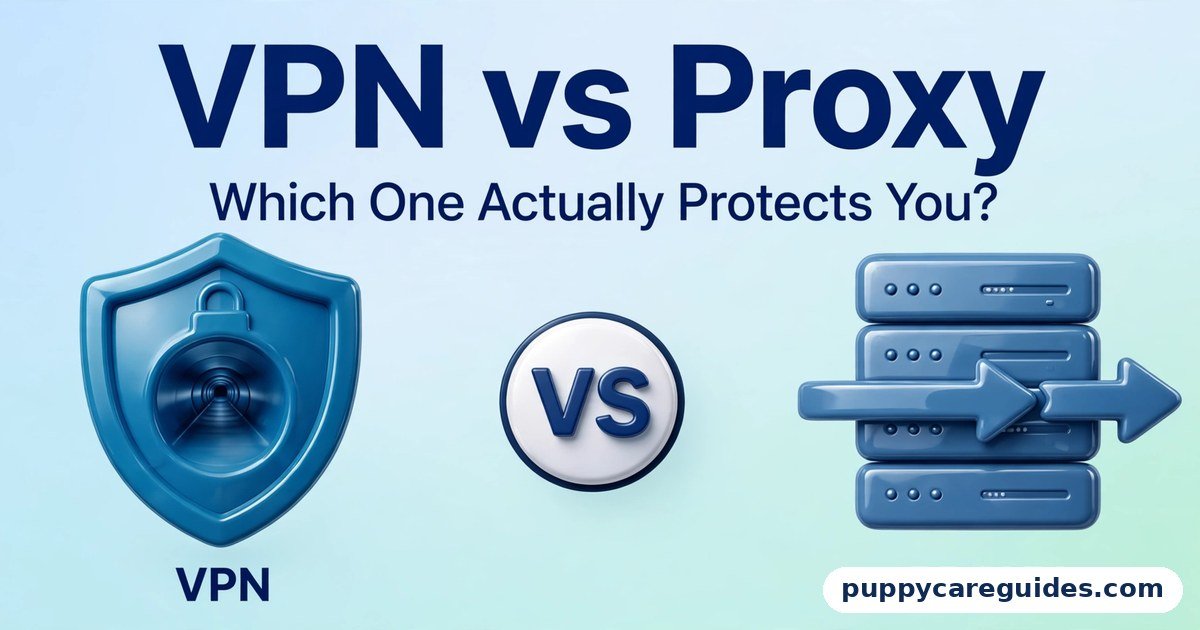
VPN vs Proxy: Which One Actually Protects You?
Quick Answer
Use a VPN for real privacy and safety — it encrypts everything your device sends, on every app. Use a proxy only for light, one-off tasks in a single app or browser, like viewing a region-locked web page where no login or personal data is involved.
For more technical background, see the VPN overview on Wikipedia.
Table of Contents
Both tools route your traffic through another server so websites see that server’s IP address instead of yours. That is where the similarity ends. A proxy is a simple relay with no protection: it changes your apparent location but leaves your data readable, exactly as exposed as before. A VPN builds an encrypted tunnel around your entire connection, so your internet provider, the coffee-shop Wi-Fi owner, and other snoopers cannot see what you are doing. Hiding your IP address is a party trick both can do. Protecting your data is something only the VPN does.
Introduction
“Just use a VPN — or a proxy, same thing.” You will hear this advice everywhere, and it is wrong in a way that can genuinely hurt you. People have done their online banking through free proxies believing their data was encrypted. It was not. People have paid for VPNs to do jobs a free proxy setting could have handled in ten seconds. Both mistakes come from the same confusion.
A proxy and a VPN solve different problems. One is a disguise: it changes the address websites see. The other is an armoured tunnel: it changes the address and seals everything you send inside encryption that nobody along the way can open.
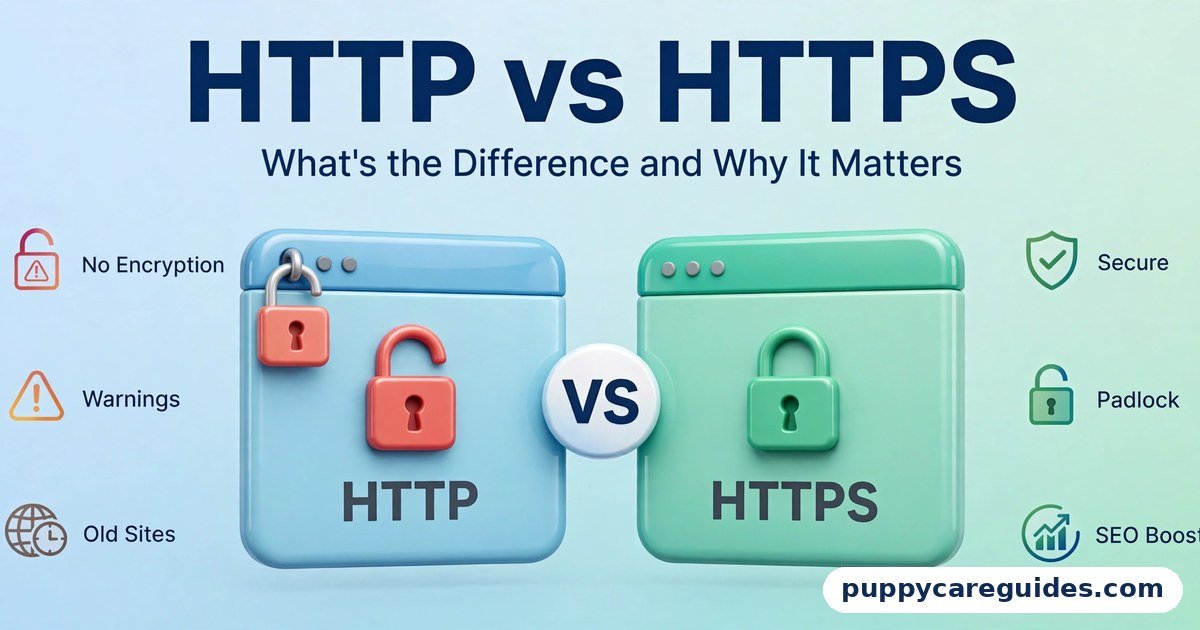
This guide compares VPN vs proxy plainly — how each works, what each protects and fails to protect, what they cost in speed and money, and how to choose. It pairs naturally with our HTTP vs HTTPS guide: HTTPS encrypts your connection to one website, while a VPN encrypts your whole device’s traffic, and understanding both tells you exactly where your protection begins and ends. The vpn vs proxy decision is simpler than it looks once you know what to check first.
vpn vs proxy: Quick Comparison Table
The table below sums up vpn vs proxy at a glance.
| Feature | VPN | Proxy |
|---|---|---|
| What it does | Routes and encrypts all device traffic through a VPN server | Routes traffic from one app or browser through a relay server |
| Encryption | Yes — full encryption between you and the VPN server | No, in most cases — traffic stays readable unless the site itself uses HTTPS |
| Coverage | Whole device: every app, browser, and background service | Single app or browser you configure it in |
| Hides your IP address | Yes | Yes |
| Hides activity from your ISP / Wi-Fi owner | Yes — they see only encrypted traffic to one server | No — they can still see and read unencrypted traffic |
| Speed effect | Slight slowdown from encryption and distance | Usually faster, little or no overhead |
| Price | Good ones are paid (a few dollars a month); limited free tiers exist | Often free — which is part of the problem |
| Security on public Wi-Fi | Strong — this is its home ground | Weak — do not rely on it |
| Streaming / region access | Generally good with major paid services | Hit and miss; fine for simple web pages |
| Setup | Install an app, sign in, tap connect | Type server details into one app’s settings |
| Best for | Privacy, public Wi-Fi, travel, streaming, everyday protection | Quick single-app tasks, viewing a blocked page, no sensitive data |
Note: a proxy’s one honest advantage is speed and simplicity. On every measure of safety, it is not close.
What Is a Proxy?
A proxy is a middleman server. Instead of your browser talking directly to a website, it asks the proxy to fetch the page, and the proxy passes the result back. The website sees the proxy’s IP address and location, not yours — which is why proxies are popular for viewing content that is blocked in your country or on your network. The vpn vs proxy gap is easiest to understand right here.
Proxies are configured per application. You type the proxy’s address into your browser settings, or into a single program like a download tool, and only that program’s traffic goes through it. Everything else on your device connects normally. Common types include HTTP proxies (for web traffic), SOCKS5 proxies (flexible, popular for downloads and torrents), and web proxies (a page where you paste a URL — the slowest and most limited kind).
The critical limitation: a normal proxy does not encrypt anything. Your request travels to the proxy, and onward to the website, exactly as readable as it would be without the proxy — unless the destination site itself uses HTTPS. The proxy operator can see everything you do through it, and so can anyone watching the connection.
Real example: Your office network blocks a news site. You point your browser at a proxy in another country, and the site loads — the block is beaten, and the site thinks you are abroad. But your reading was never private, and if you had logged into anything through that proxy, the proxy owner could have seen your password on its way through. In any vpn vs proxy comparison, a proxy stands for a simple middleman that hides your address for one app at a time.
What Is a VPN?
A VPN — Virtual Private Network — creates an encrypted tunnel between your device and a server run by the VPN company. Every app on the device sends its traffic through that tunnel: browser, email, games, updates, everything. Your internet provider and the local Wi-Fi network see only an encrypted stream flowing to one server. Websites see the VPN server’s IP address and its location, which you can usually choose from a list of countries. The whole vpn vs proxy story starts here.
Modern VPNs use fast, audited protocols such as WireGuard and OpenVPN, and a decent service adds a kill switch (which cuts your connection if the tunnel drops, so nothing leaks), a no-logs policy, and apps for phones, computers, and even routers — a router-level VPN covers every device in the house, including smart TVs. On café Wi-Fi, the vpn vs proxy difference can decide whether your passwords stay yours.
The trade-off is trust. A VPN does not make you invisible; it moves the point of trust. Instead of your internet provider seeing your activity, the VPN company is the one positioned to see it. That is why the free-versus-paid question, covered below, matters far more for VPNs than most people realise.
Real example: You are working from an airport lounge on your laptop. With the VPN on, the lounge’s Wi-Fi operator — and anyone else sharing that network — sees meaningless encrypted data. Your email, banking, and work files cross a hostile network sealed shut, and the websites you use think you are in the city your VPN server is in. In any vpn vs proxy comparison, a VPN stands for full encryption for everything on your device.
vpn vs proxy: Key Differences Between a VPN and a Proxy
1. Encryption: the difference that decides everything
A VPN encrypts all traffic between you and its server. A proxy, in normal use, encrypts nothing. This single difference drives every recommendation in this article. On a network you do not control — public Wi-Fi, a hotel, a workplace — unencrypted traffic can be read by the network operator and by attackers. Tools that do not encrypt cannot protect you there, whatever their marketing says.
2. Coverage: whole device vs one app
A proxy covers only the app you configure — typically one browser. Your email app, your banking app, and everything else connect directly, unprotected and showing your real IP address. A VPN covers the whole device at once, including background traffic you never think about. People regularly believe they are “using protection” because their browser goes through a proxy while the rest of their device leaks everything. The VPN’s device-wide coverage removes that trap.
3. Speed: the proxy’s one real win
Encryption and distance cost a little speed, so a VPN typically shaves some percentage off your connection — with a modern protocol and a nearby server, often an amount you will not notice outside a speed test. A proxy adds almost no overhead and can feel faster. For a huge download where privacy is irrelevant, a proxy (especially SOCKS5) is the leaner tool. For everything involving accounts or personal data, the VPN’s small speed cost is the price of the tunnel — and it is worth paying.
4. Public Wi-Fi safety: only one candidate
On public Wi-Fi, the threats are snooping and fake “evil twin” hotspots that imitate the real network. A VPN defeats both: even on a fake network, your traffic is encrypted before it leaves your device. A proxy leaves you exposed to exactly the attacks public Wi-Fi is famous for. If the reason you are reading this article is safety away from home, the comparison is already over — you need the VPN. A secure connection at home matters too, and our Wi-Fi vs Ethernet guide covers the wired side of that story.
5. Free proxies and free VPNs: the business-model problem
Running servers costs money, so ask who is paying. Free proxies are the riskiest software on the internet: with no customers to answer to, many log your activity, sell browsing data, inject adverts into pages, or worse — security researchers have repeatedly found free proxy and VPN apps harvesting user data. A reputable paid VPN has a business model you can understand: you pay them, they run servers. Some trustworthy VPNs offer limited free tiers as advertising for their paid plans — those are the only free ones worth considering. A random free proxy found in a search result should never see a single login.
6. Streaming and blocked content: both try, VPNs finish
Both tools can make a streaming service think you are in another country. In practice, major streaming platforms actively hunt and block proxy and VPN addresses, and paid VPNs invest in staying ahead; free proxies get blocked fastest and lack the speed for smooth HD video anyway. For simply reading a blocked article or viewing a region-locked web page, a proxy is quick and adequate. For reliable streaming abroad, the paid VPN is the realistic choice. Every vpn vs proxy difference above comes back to encryption and coverage.
vpn vs proxy: Best Uses of a Proxy
- Viewing a single blocked or region-locked web page where you will not log in or enter any data
- One light browser task on a network that restricts certain sites
- SOCKS5 for large downloads or torrent clients configured per-app, where the goal is IP masking rather than encryption
- Testing how a website looks from another country — a common developer and marketer task
- Situations where speed matters more than privacy and nothing sensitive is involved
vpn vs proxy: Best Uses of a VPN
- Public Wi-Fi in cafes, airports, hotels, and stations — the classic and most important use
- Everyday privacy from your internet provider and local network snooping
- Travel, for reaching your usual services and accounts safely from abroad
- Streaming content from other regions, with a reputable paid service
- Working remotely on networks you do not control, and on employer systems that require one
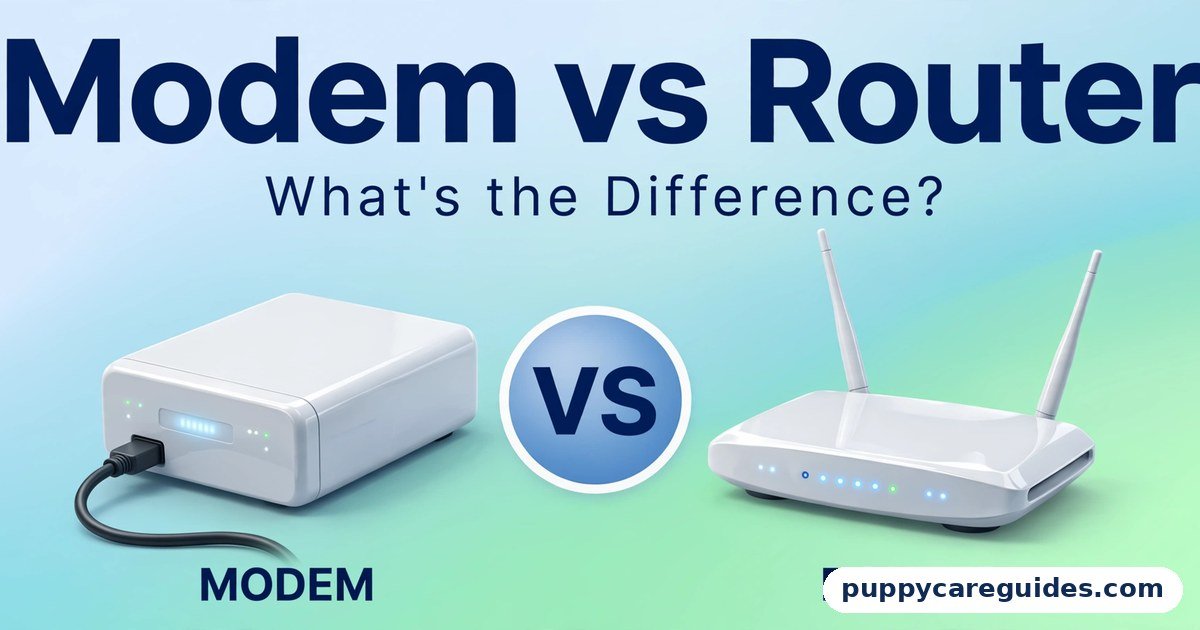
- Whole-home protection by installing it on the router — see our Modem vs Router guide for how home networks are put together. For privacy on public Wi-Fi, the vpn vs proxy edge clearly goes to the VPN.
Pros and Cons
Proxy — Pros
- Fast, with almost no speed overhead
- Free or very cheap, and built into most browsers and apps
- Simple per-app control — only the traffic you choose goes through it
- Handy for quick region checks and one-off blocked pages
Proxy — Cons
- No encryption in normal use — your data stays readable
- Covers only the app you configure; everything else is exposed
- Free proxies are a documented privacy and malware risk
- Useless for safety on public Wi-Fi
- Frequently blocked by streaming services; often slow at peak times despite the low overhead
VPN — Pros
- Encrypts all traffic on the device, in every app
- Genuinely protects you on public and untrusted networks
- Hides your activity from your ISP and your IP address from websites
- Reliable for streaming and travel with major providers
- Extras like kill switches and router apps protect everything automatically. That is the vpn vs proxy balance in one line.
VPN — Cons
- Good services cost money; worthwhile free tiers are limited
- Slight speed reduction, worse on distant or crowded servers
- You are trusting the VPN company instead of your ISP — provider choice matters
- Some banking and streaming sites challenge or block known VPN addresses. This is where the vpn vs proxy choice really bites.
vpn vs proxy: Which Should You Choose?
- Beginner / everyday user: A reputable paid VPN, installed on your phone and laptop, switched on whenever you leave home Wi-Fi. Ignore proxies entirely unless someone technical sets one up for a specific job.
- Student: VPN for the campus and cafe Wi-Fi that your whole life runs on. A proxy is acceptable for reading a blocked article — never for logging into anything.
- Traveller / streamer: Paid VPN, chosen for the countries you visit and the services you watch. Test it before the trip, not from the airport.
- Downloader: A VPN with a kill switch is the safer default. A SOCKS5 proxy inside a torrent client is the lighter option some experienced users prefer, knowing it masks an IP but encrypts nothing.
- Never, for anyone: Banking, email, shopping, or any login through a free proxy. There is no version of that which is safe. Decide vpn vs proxy by how much protection you need, and the choice makes itself.
vpn vs proxy: Common Mistakes
- Believing a proxy encrypts your data. It does not. This is the most dangerous misunderstanding in this whole comparison — people do sensitive things through proxies feeling protected when they are fully exposed.
- Doing banking through a proxy. The proxy operator can see your session, and the connection invites man-in-the-middle attacks. Banking belongs on your own connection or a VPN, with the site on HTTPS.
- Trusting a random free VPN app. If a no-name free VPN asks for broad permissions, the product is your data. Uninstall it and use a known provider’s limited free tier instead.
- Forgetting the rest of the device. A browser proxy does nothing for your other apps. If the goal is privacy, partial coverage is mostly an illusion.
- Leaving the VPN off “just for a minute” on public Wi-Fi. That minute is when your email app syncs and your accounts connect in the background. Turn it on before joining the network.
- Expecting total anonymity. Neither tool makes you anonymous. Websites can still track you through accounts you log into and browser fingerprinting. These tools protect your connection, not your identity. Most vpn vs proxy regrets come from exactly these avoidable errors.
How to Set Up a VPN (and a Proxy) Safely
VPN — the recommended route:
- Choose a reputable paid VPN with a published no-logs policy and modern protocols (WireGuard or OpenVPN). Avoid unknown free apps.
- Install the official app on your phone and computer from the provider’s website or your device’s app store — never from an advert download link.
- Sign in, open settings, and turn on the kill switch before your first connection.
- Connect to a nearby server for everyday use (best speed), or a server in the country you need for streaming and travel.
- On any public Wi-Fi, connect the VPN before opening your browser, email, or banking apps.
- Verify it works: search “what is my IP” with the VPN off, then on — the address and location should change.
Proxy — for a light browser task only:
- Get the proxy address and port from a source you trust; treat free lists as hostile by default.
- In your browser’s settings, find the proxy/network section and enter the address and port (in some browsers this opens your operating system’s proxy settings).
- Load a simple web page to confirm it works, and check your apparent location with an IP lookup.
- Do not log in to anything while it is on.
- Remove the proxy settings when you finish, so you do not keep routing traffic through a stranger’s server by accident. Whichever way you decide vpn vs proxy, always test for leaks after you connect.
vpn vs proxy: FAQs
Why does a VPN make my internet slower?
Two reasons: your data takes a detour through the VPN server, which may be far away, and encryption adds a small processing cost. With a modern protocol like WireGuard and a server in your own country, the loss is usually minor — often under a tenth of your speed. If your VPN is dramatically slow, switch servers or protocols before blaming the concept. This is the core of the vpn vs proxy debate.
Is a free VPN safe?
It depends entirely on who runs it. A limited free tier from a well-known paid provider is generally safe — you are the marketing funnel, and the limits push you to upgrade. A completely free, unknown VPN app is one of the riskiest things you can install, because your traffic is the only thing it has to sell. When in doubt, do not use it. That is vpn vs proxy in practice.
Can I do online banking through a proxy?
No. A proxy does not encrypt your connection, so your banking session passes through a stranger’s server readable and exposed, and you cannot be sure the page you see has not been tampered with. Bank on your home connection or through a VPN, always on the bank’s HTTPS site or official app. That is the vpn vs proxy difference where it counts.
Does a VPN or proxy make me completely anonymous online?
No. They hide your IP address and, in the VPN’s case, encrypt your traffic — valuable protections, but not invisibility. If you log into your usual accounts, accept tracking cookies, or use a browser full of identifying extensions, you can still be recognised and followed. Think of them as privacy tools, not a disguise that works on everything. That is the vpn vs proxy difference in daily use.
Which is better for watching streaming services from other countries?
A reputable paid VPN, by a wide margin. Streaming platforms actively block proxy and VPN addresses, and the major VPN providers constantly refresh theirs and have the speed for HD video. Free proxies are usually blocked, too slow, or both. That is the vpn vs proxy difference that matters most.
vpn vs proxy: Final Verdict
Real protection = VPN. Quick disguise for one light task = proxy.
The proxy changes what websites see; the VPN changes what everyone sees, by encrypting the whole journey. If money, accounts, or personal data are involved — or if the Wi-Fi is not your own — there is only one correct answer, and it is the VPN. Keep the proxy in your toolbox for what it is genuinely good at: a fast, simple way to peek at a blocked page. Just never mistake the disguise for armour. That is the vpn vs proxy choice in short: a VPN for real privacy, a proxy for light, simple tasks.
Next: Wi-Fi vs Ethernet: Which Is Better for Gaming and Work? — once your connection leaves your home, the VPN protects it. This guide settles how it should travel inside your home.
Related Articles
- HTTP vs HTTPS: What’s the Difference and Why It Matters — the encryption built into websites themselves
- Wi-Fi vs Ethernet: Which Is Better for Gaming and Work? — speed and stability inside your home network
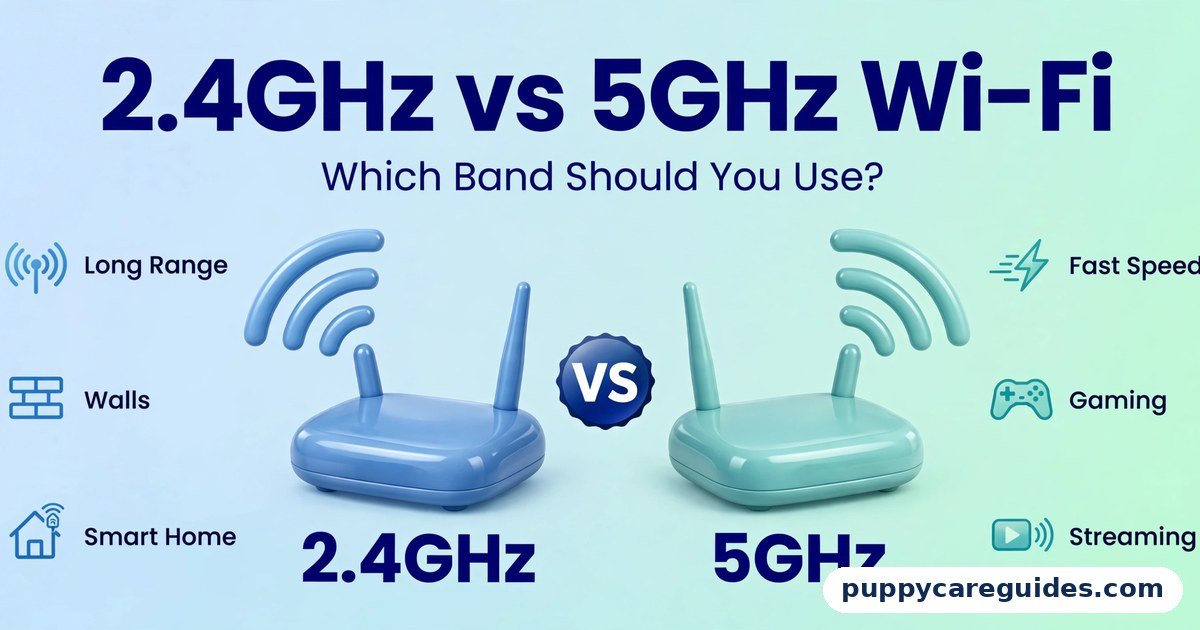
- 2.4GHz vs 5GHz Wi-Fi: Which Band Should You Use? — the two networks your router is broadcasting right now
- PDF vs DOCX: Which Format Should You Use? — the files you will be downloading over that protected connection


Leave a Reply