

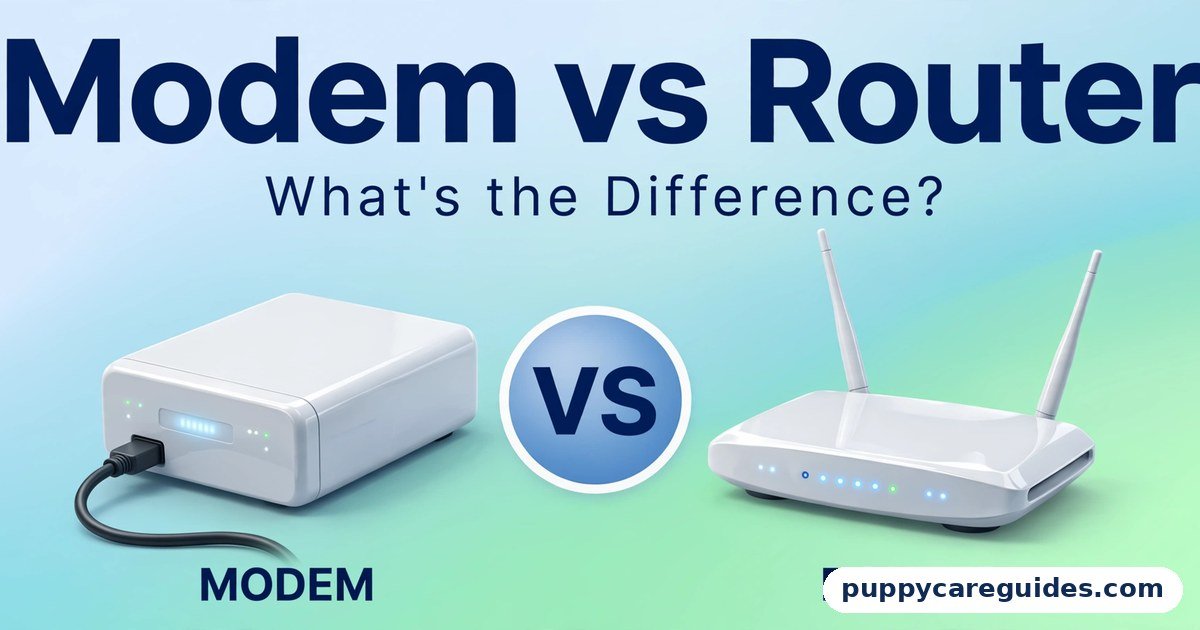
Modem vs Router: What’s the Difference?
Quick Answer
A modem brings the internet into your home — it translates your provider’s signal into a connection one device can use. A router shares that connection around your home — it creates your local network, hands out addresses to all your devices, and usually provides the Wi-Fi they connect to. That is the short answer to modem vs router.
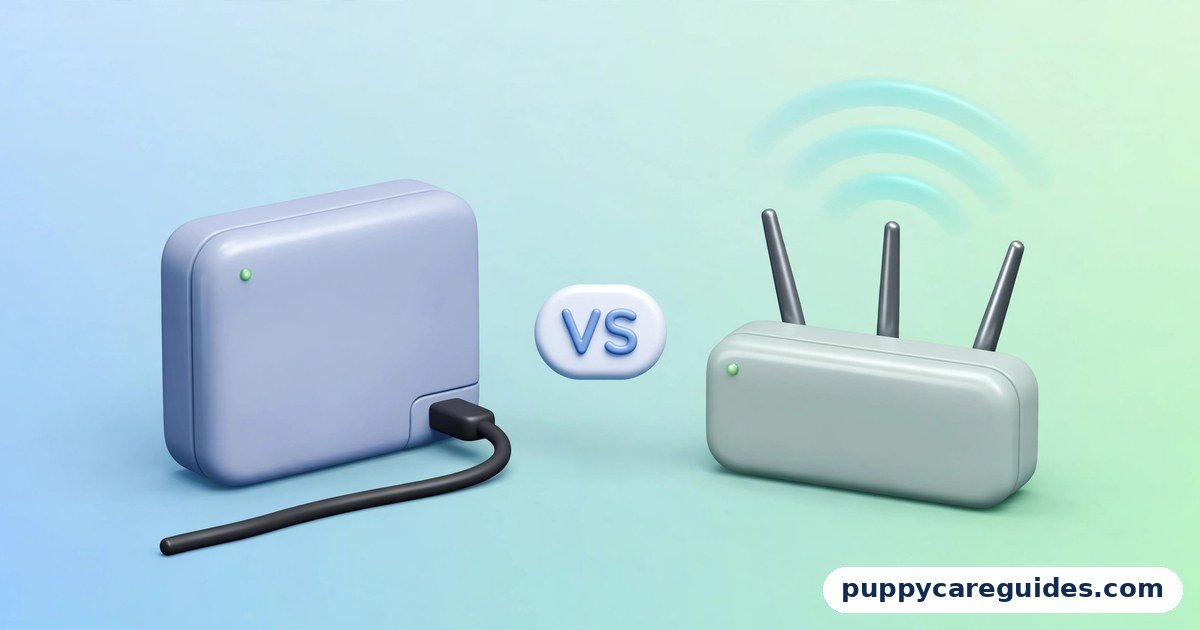
For more technical background, see the router overview on Wikipedia.
Table of Contents
Most homes actually have both jobs done by a single box from their internet provider, a combined unit called a gateway, which is why the two words get confused. The simple test: the modem talks to the street; the router talks to your devices. A small flat can live happily on the provider’s combined box. A bigger home, a house full of devices, or anyone who wants better Wi-Fi coverage, speed control, and features will benefit from adding — or switching to — their own router.
Introduction
“Is it the modem or the router?” It is the first question of every home internet problem, and most people cannot answer it — because in most homes the two are hiding inside the same plastic box, with the same blinking lights, provided by the same company.
Yet they do completely different jobs, and knowing which is which explains almost everything about your home network: why one cable plugged straight into a PC works but a whole house cannot share it, why buying a better router can transform your Wi-Fi without changing your internet plan, and why the support agent always tells you to restart “the box” (and which box they mean).
This guide compares modem vs router in plain language: what each device actually does, how to identify the combined gateway your provider gave you, when your own router is worth buying, where mesh systems fit, and the signs that an old router needs replacing. It completes the picture started in our Wi-Fi vs Ethernet and 2.4GHz vs 5GHz Wi-Fi guides — those cover the last few metres; this one covers where the connection begins. The modem vs router decision is simpler than it looks once you know what to check first.
modem vs router: Quick Comparison Table
The table below sums up modem vs router at a glance.
| Feature | Modem | Router |
|---|---|---|
| Main job | Translates your ISP’s signal into an internet connection | Creates your home network and shares the connection between devices |
| Connects to | The line from the street (cable, DSL/phone line, or fibre) | The modem — and every device in your home |
| Number of devices served | One connection (one public internet address) | Many — every phone, laptop, TV, and gadget at once |
| Provides Wi-Fi | No (a pure modem has no Wi-Fi) | Usually yes — most home routers include Wi-Fi |
| Gives devices their addresses | No | Yes — assigns local addresses (DHCP) and directs traffic between devices (NAT) |
| Security role | Minimal | Includes a basic firewall that shields your devices from the open internet |
| Where it comes from | Usually supplied or rented from your ISP; must match their technology | Often built into the ISP’s gateway; you can also buy your own |
| Buying your own | Possible, but must be approved/compatible with your ISP | Freely — the easiest upgrade in home networking |
| Combined form | Often combined with a router in one “gateway” box from the ISP | Often combined with a modem in the same gateway |
| Best for | Every home needs this function — it is the front door to the internet | Every home with more than one device needs this function too |
Note: on fibre connections, the modem’s role is played by a small box called an ONT (optical network terminal). The job is identical — the explanations below apply to it just the same.
What Is a Modem?
“Modem” is short for modulator-demodulator, a name left over from the days when it translated computer data into sounds for telephone lines. The translation idea survives: your internet arrives from the street in a form your devices cannot use — signals over a TV cable line (DOCSIS), a phone line (DSL), or light through a fibre strand — and the modem converts it into a standard network connection, and converts your outgoing data back on the way out. The whole modem vs router story starts here.
A modem has exactly one customer: it produces a single internet connection with a single public address. Plug a computer straight into a modem and that computer is online — exposed directly to the internet, with no network around it, and with no connection left for anything else in the house. That is not a flaw; the modem’s job ends at the front door. Sharing the connection safely is somebody else’s work.
Because the modem must speak your provider’s specific technology, it normally comes from the provider — supplied, rented monthly, or bought from an approved list. A cable modem will not work on a DSL line, and neither works on fibre. This is the one box in your network you cannot freely choose.
Real example: Think of the modem as the water meter and mains connection at a house. It takes the city’s supply, in the city’s format, and makes it available at one point in your home. It does not decide which tap gets water, and it certainly does not run the plumbing. In any modem vs router comparison, the modem stands for the box that brings the internet into your home.
What Is a Router?
The router is the plumbing — and the traffic police, and the receptionist. It takes the modem’s single connection and builds a private local network around it. Every device that joins gets its own local address (this is the DHCP job), and the router directs traffic between your devices and the internet, keeping track of which device asked for what (the NAT job). From the internet’s side, your whole household appears as one address; inside, the router knows exactly which phone, laptop, and TV each packet belongs to. The modem vs router gap is easiest to understand right here.
Routers also stand guard: their built-in firewall means unsolicited traffic from the internet cannot simply wander in and knock on your devices. And in nearly every home router, there is a Wi-Fi access point too — the radios broadcasting the 2.4GHz and 5GHz networks your wireless devices join. Features like guest networks, parental controls, and device prioritisation (QoS) all live in the router, which is why upgrading it changes so much about your home network without touching your internet plan. No router can work without the modem in front of it — that is the modem vs router chain.
Crucially, the router is yours to choose. Any modern router works with any provider, because it only ever talks to the modem in the standard language of networking.
Real example: A household of four has 23 connected devices — phones, laptops, a TV, two consoles, smart bulbs, a doorbell. The modem sees one connection. The router is the only reason all 23 can be online at once, each getting its own traffic, none of them visible directly to the internet. In any modem vs router comparison, the router stands for the box that shares that connection with all your devices.
modem vs router: Key Differences Between a Modem and a Router
1. Direction: facing the street vs facing the home
Every difference flows from this one. The modem faces outward — it speaks to your provider’s network and translates its signal. The router faces inward — it speaks to your devices and organises them. When the internet itself is down (provider outage, line fault), that is modem territory. When the internet works at one device but the Wi-Fi is weak in the bedroom, that is router territory. Half of home troubleshooting is just identifying which side of this line the problem sits on.
2. One connection vs many devices
A modem alone can put exactly one device online. A router multiplies that one connection across every device you own and gives them a private network to talk to each other as well — your phone can send a photo to your printer, and your laptop can stream from your home server, entirely inside the router’s network without touching the internet. Plug a switch or a second device straight into a modem and, in normal setups, only one of them will ever get the single available address.
3. Wi-Fi: only the router has it
A pure modem broadcasts nothing. If your home has Wi-Fi, a router is providing it — either a separate box you bought, or the router built into your provider’s combined gateway. This is why “my Wi-Fi is slow” can never be fixed by replacing a modem, and why people who buy a strong modern router often feel they upgraded their internet when they only upgraded the half of the system that lives indoors.
4. Who supplies it, and what it costs
The modem is tied to your provider’s technology, so it usually comes from them — sometimes free, sometimes as a monthly rental that quietly adds up over years. The router may also be bundled in, but you are free to replace or supplement it with your own at any time, with no permission needed. Buying your own router is a one-off cost; renting a gateway is forever. Many households recoup a good router’s price simply by returning rented equipment where their provider allows it.
5. Security responsibilities are different
The modem is essentially a translator and offers little protection. The router is your home’s front wall: its firewall blocks unsolicited incoming connections, its NAT hides your individual devices behind one address, and its settings control who joins your Wi-Fi and what they can reach. This is also why router passwords and firmware updates matter — an unpatched, default-password router undermines every device behind it. For protection beyond your front door, our VPN vs Proxy guide explains what a VPN adds once traffic leaves the router.
6. The gateway: why your home has one box
Internet providers dislike shipping two boxes, so most supply a gateway — modem and router (with Wi-Fi) combined in a single unit. It is convenient, adequate for small homes, and the source of all the confusion this article exists to clear up. Nothing is wrong with a gateway; its router half is simply modest — average Wi-Fi range, basic features.
Larger homes and heavier users commonly keep the gateway for its modem half and add their own router or mesh system for the other half. That is a setup detail, not a conflict: the gateway can usually be switched to a “bridge mode” that passes the connection straight through to your router. Every modem vs router difference above comes back to connecting versus sharing.
modem vs router: Best Uses of a Modem Alone
- A single wired computer — one person, one desk PC, no other devices: the simplest possible setup
- A deliberate minimal installation, such as a kiosk or a single-purpose machine
- As the front end for your own equipment — modem (or gateway in bridge mode) feeding a router and network you chose yourself
- Temporary troubleshooting — plugging one PC directly into the modem is the classic test for “is the problem my provider or my network?”
modem vs router: Best Uses of a Modem + Your Own Router
- Bigger homes and multi-room coverage, especially paired with a mesh system
- Households with many devices — streaming TVs, consoles, work laptops, smart home gear all at once
- Better Wi-Fi than the provider’s box offers — newer standards, stronger radios, wider coverage
- Control and features: parental controls, guest networks, device prioritisation, and VPN support
- Long-term savings where the provider charges monthly rental for their gateway
- Anyone whose ISP box lives in a bad spot — a corner cupboard — since your own router can be placed centrally while the modem stays where the line enters. For Wi-Fi in every room, the modem vs router edge belongs to the router doing its half of the job.
Pros and Cons
ISP Gateway (Combined Box) — Pros
- One box, one plug, set up by the provider — nothing to research or buy
- Guaranteed compatible with your connection, and the provider supports it
- Perfectly adequate for small flats and light use
ISP Gateway (Combined Box) — Cons
- Modest Wi-Fi range and speed compared with a good modern router
- Basic features; limited parental controls, guest options, and settings
- Possible monthly rental cost that never ends
- Placement dictated by where the line enters the home, rarely the best spot for Wi-Fi
Your Own Router — Pros
- Stronger, newer Wi-Fi (including the latest standards) and better coverage, especially mesh systems
- Full control: guest networks, parental controls, QoS, firmware and security settings
- Works with any provider — buy once, keep it when you move or switch ISP
- Can eliminate gateway rental fees where the provider permits. That is the modem vs router balance in one line.
Your Own Router — Cons
- Upfront cost, and you are your own tech support
- One more box to place, power, and occasionally restart
- Needs the gateway put in bridge mode (or a little care) to avoid double-router quirks. This is where the modem vs router choice really bites.
modem vs router: Which Should You Choose?
- Small flat, a few devices, everything works: Keep the provider’s gateway. There is no prize for complicating a network that already serves you.
- Family home, many devices, dead zones: Keep the gateway as the modem and add your own router or a mesh system. This is the single most effective home network upgrade most people can make.
- Gamer or remote worker: Your own router, for the prioritisation controls and stronger Wi-Fi — and wire the important machines per our Wi-Fi vs Ethernet guide.
- Paying monthly rental: Ask your provider whether you may return the gateway or supply approved equipment. If yes, your own gear often pays for itself within a year or two.
- Technically nervous: Ask the provider to upgrade or reposition their gateway first — it is their job to support it — and only buy your own if the problems persist. Decide modem vs router by the job each box does, and the choice makes itself.
modem vs router: Common Mistakes
- Restarting the wrong box, or only one box. When the connection dies, restart the modem/gateway first, let it fully connect (a minute or two), then restart the router. Doing it backwards or simultaneously causes half the “it still doesn’t work” calls.
- Buying a modem when the problem was Wi-Fi. A new modem cannot fix weak signal in the bedroom. Identify the side of the street/home line the fault lives on before spending anything.
- Plugging a switch straight into the modem to “add ports.” A switch is not a router — it cannot share the modem’s single address. The order must be modem → router → (switch if needed).
- Running two routers without bridge mode. A gateway’s router plus your own router both doing NAT (“double NAT”) mostly works, until it doesn’t — game consoles, port forwarding, and some VPNs complain first. Put the gateway in bridge mode, or set your router to access-point mode.
- Leaving the default admin password on the router. The sticker password for Wi-Fi is one thing; the admin login protecting the router’s settings is another. Change it, and keep the firmware updated — the router guards every device you own.
- Assuming the box is immortal. Routers age: standards move on, security updates stop, and hardware tires. The replacement signs are listed in the FAQs below. Most modem vs router regrets come from exactly these avoidable errors.
How to Add Your Own Router to an ISP Gateway
- Choose the router for your home’s size — a single strong router for a flat, a mesh system for a larger or multi-floor house. Any modern brand works with any provider.
- Connect it: run an Ethernet cable from a LAN port on the gateway to the WAN/Internet port on your new router.
- Power on and set up the new router using its app or web page: give your Wi-Fi a name and a strong password (use WPA3 or WPA2 security).
- Avoid double NAT (recommended): log in to the gateway’s settings and enable bridge mode if offered. If it is not offered, set your new router to access point mode instead — either way, only one box should act as the router.
- Turn off the gateway’s Wi-Fi if you are no longer using it, so your devices do not cling to the old, weaker network.
- Place the new router centrally and raised — the middle of the home beats the corner where the line enters, for both bands (see our 2.4GHz vs 5GHz Wi-Fi guide for why placement matters so much).
- Reconnect your devices to the new network, then run speed tests in your problem rooms and compare with before. Whichever way you decide modem vs router, always restart the modem first when the internet drops.
modem vs router: FAQs
How can I tell if my ISP’s device is also a router?
Three clues: it broadcasts a Wi-Fi network name (usually printed on its sticker along with a password), it has several LAN ports on the back rather than one, and it has antennas — built-in or external. Any one of these means the box contains a router and is a combined gateway. A pure modem has no Wi-Fi name, typically one network port, and no antennas. This is the core of the modem vs router debate.
Will buying my own router affect my bill?
Only in your favour, and only sometimes. Your internet plan price does not change. But if your provider charges a monthly equipment rental for their gateway, returning it (where they allow customer equipment, and once your own setup replaces both halves — or just the router half where the modem must stay) can remove that line from the bill. Check the provider’s policy before assuming; some connections require their box for the modem side regardless. That is modem vs router in practice.
When should I replace my router? What are the signs?
Consider a replacement when several of these show up: the router only supports old standards (Wi-Fi 4 or early Wi-Fi 5) while your devices and plan have moved on; you have upgraded to a much faster internet plan than the router can deliver; connections drop and need frequent restarts; parts of the home have become dead zones as your device count grew; or the manufacturer has stopped releasing security updates for it. As a rough guide, a router serves well for about four to five years before the gap becomes noticeable. That is the modem vs router difference where it counts.
Can I use a router without a modem?
Not for internet access. A router alone creates a perfectly good local network — devices can share files and printers — but with nothing translating the provider’s signal, there is no connection to the outside world. The modem (or fibre ONT) is the irreplaceable front door; the router is everything that happens inside the house. That is the modem vs router difference in daily use.
Where do mesh systems fit — are they modems or routers?
Mesh systems are routers. A main mesh unit plugs into your modem or gateway exactly like any router, and the extra mesh nodes extend its Wi-Fi around the home. They replace the router half of your setup, never the modem half — you still need the provider’s box (or an approved modem) facing the street. That is the modem vs router difference that matters most.
modem vs router: Final Verdict
The modem faces the street; the router runs the home. You need both jobs done — in one box or two.
For a small home with light use, the provider’s combined gateway does both jobs well enough, and there is no reason to touch it. The moment your home outgrows it — dead zones, dozens of devices, features you wish you had — the fix is almost never a new modem. It is your own router or mesh system doing the indoor half properly, while the provider’s box quietly keeps doing the one job it must. That is the modem vs router choice in short: the modem connects your home, the router connects your devices.
Next: HTTP vs HTTPS: What’s the Difference and Why It Matters — now that your network hardware makes sense, this guide explains the padlock that appears on every website it delivers.
Related Articles
- Wi-Fi vs Ethernet: Which Is Better for Gaming and Work? — the wired option both of these boxes offer
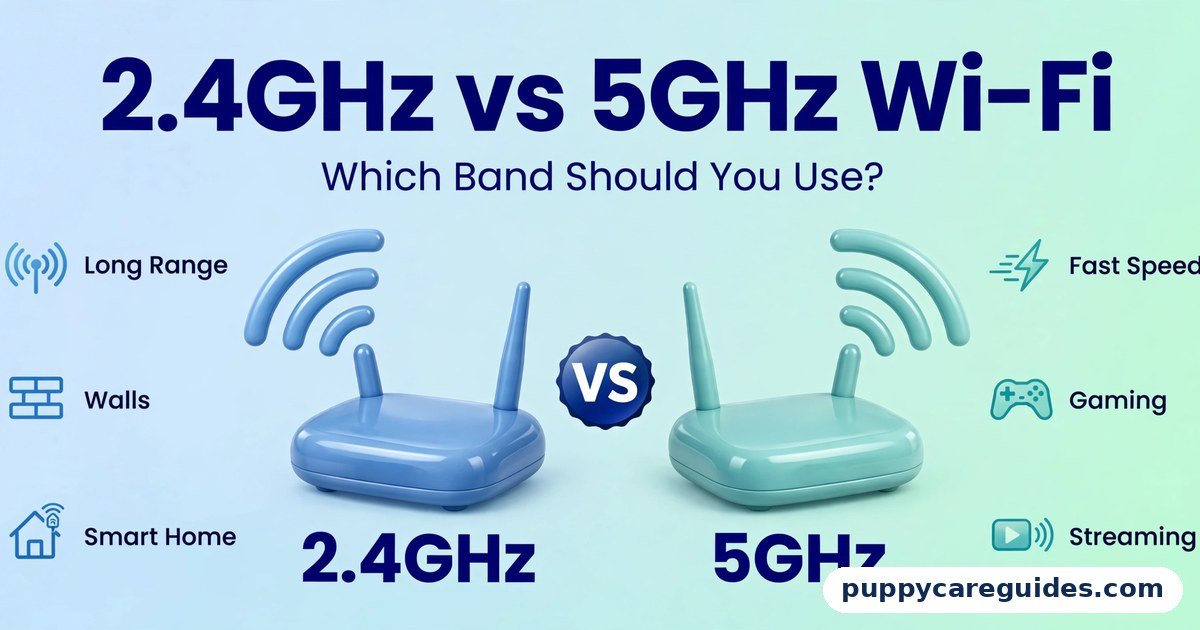
- 2.4GHz vs 5GHz Wi-Fi: Which Band Should You Use? — the two networks your router broadcasts, demystified
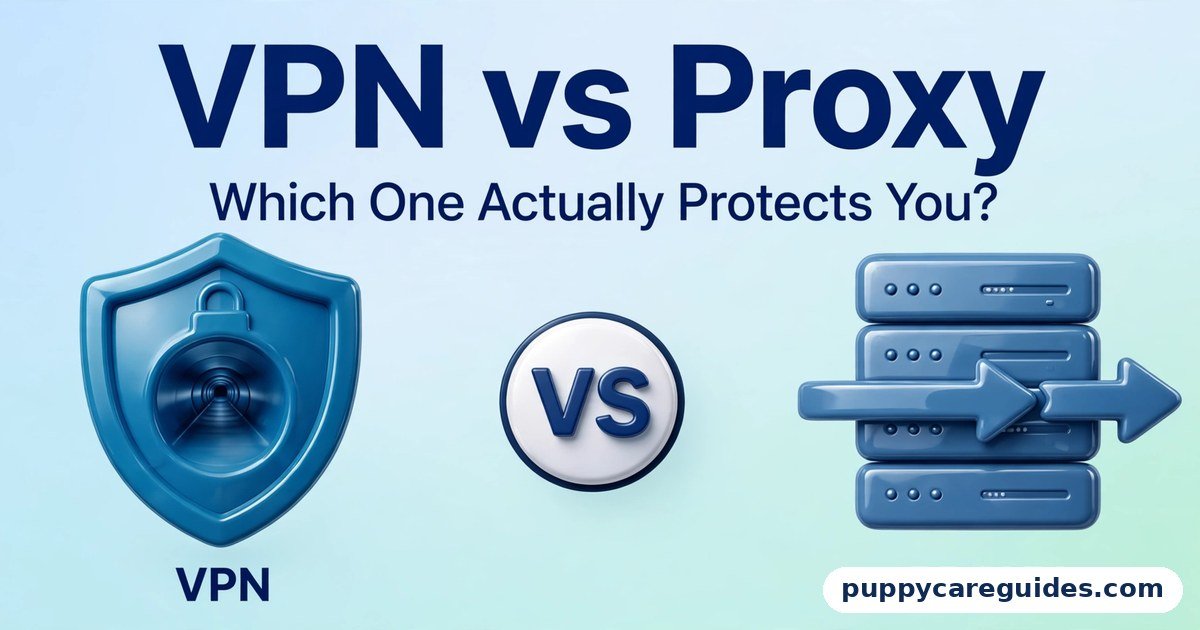
- VPN vs Proxy: Which One Actually Protects You? — what to add once your router has done its job
- ZIP vs RAR: Which Compresses Better? — the files that will be flying around the network you just built






Leave a Reply