

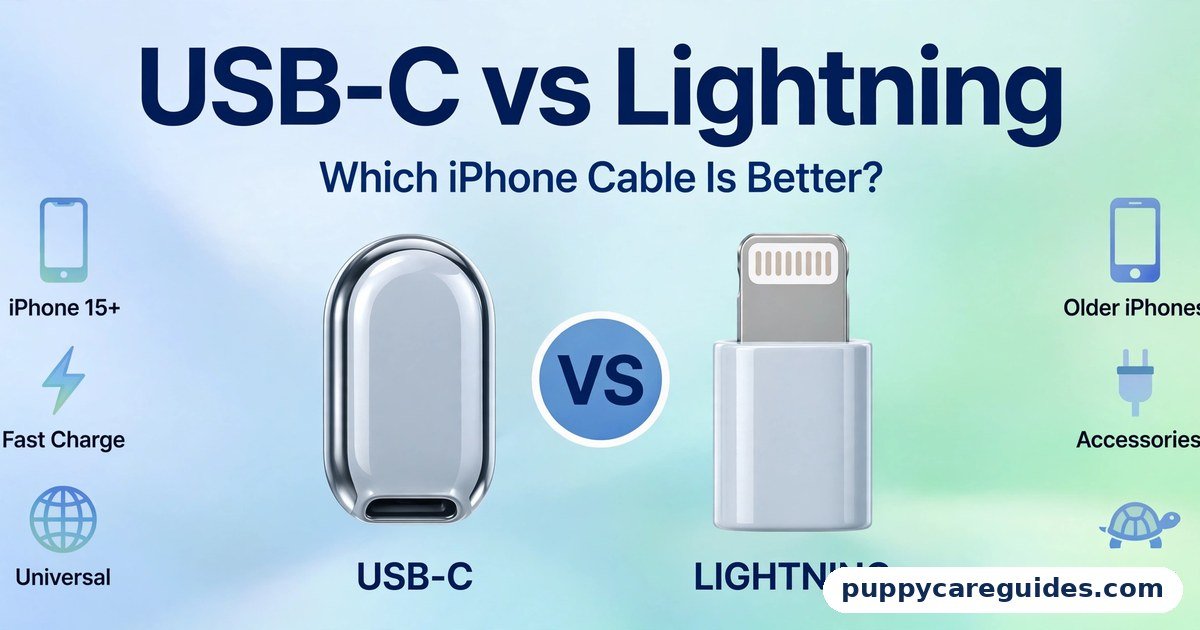
USB-C vs Lightning: Which iPhone Cable Is Better?
Quick Answer
USB-C wins, and it is not close. It is faster, charges at higher wattage, works with virtually every modern device — Android phones, laptops, tablets, headphones, cameras — and it is the port on every iPhone from the iPhone 15 onward. Lightning is a legacy port now: perfectly serviceable on the older iPhones, iPads, and AirPods that still carry it, but frozen at 2012-era data speeds and limited to the Apple ecosystem. That is the short answer to usb-c vs lightning.
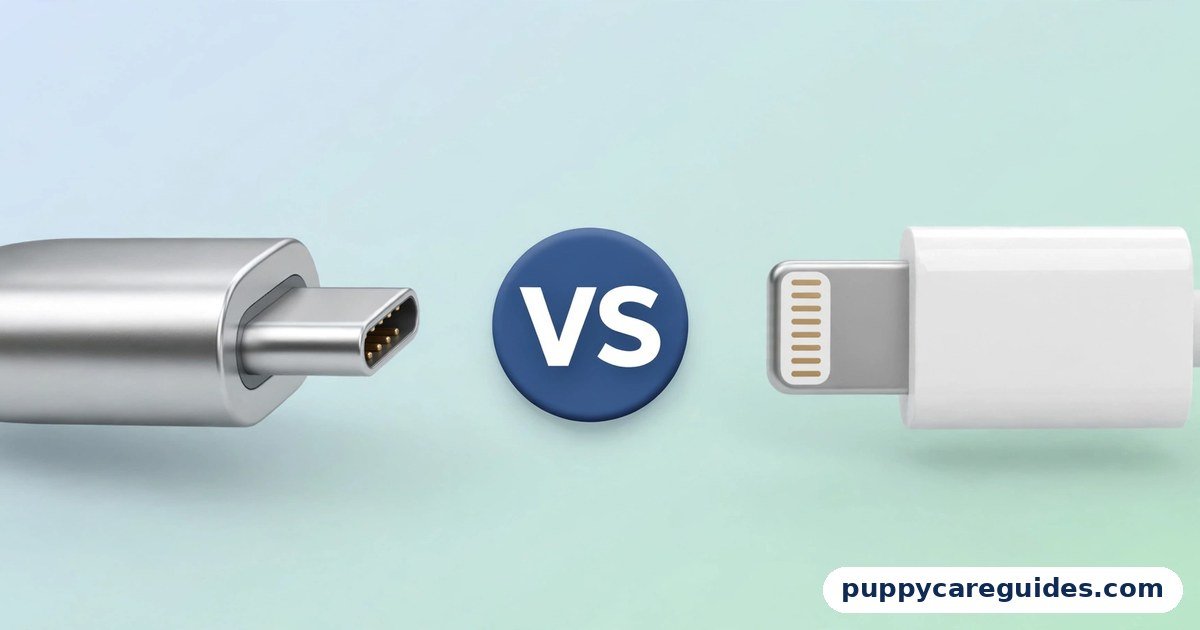
For more technical background, see the Lightning connector overview on Wikipedia.
Table of Contents
The one real difference you will feel day to day is convenience. With USB-C, a single cable and charger can serve your iPhone, your laptop, your tablet, and your earbuds. With Lightning, Apple devices needed their own separate cables for over a decade. If you own an iPhone 14 or older, keep using Lightning without guilt — it charges fine. But buy nothing new in Lightning if you can avoid it: the future, partly by law in the European Union and partly by common sense, belongs entirely to USB-C.
Introduction
For eleven years, the iPhone lived in its own cable world. Friends with Android phones could not lend you a charger; your iPhone cable could not charge your laptop; your laptop cable could not charge your iPhone. Then, in September 2023, Apple launched the iPhone 15 with a USB-C port — the same connector as a MacBook, an iPad, a Samsung, and a Nintendo Switch — and the Lightning era quietly ended.
Why did Apple switch, what actually improves, and what should you do with a drawer full of Lightning cables and accessories? The answers involve a European law, a tenfold difference in data speed between iPhone models that share the same port, and one important warning: not all USB-C cables — and not all USB-C iPhones — are equally fast.
This guide compares USB-C vs Lightning on speed, charging, compatibility, durability, and future. It also explains the difference between the regular iPhone 15/16 models and the Pro models, which is the part most buyers miss. For the wider story of what USB-C ports can hide, read our USB-C vs Thunderbolt guide next. The usb-c vs lightning decision is simpler than it looks once you know what to check first.
usb-c vs lightning: Quick Comparison Table
The table below sums up usb-c vs lightning at a glance.
| Feature | USB-C | Lightning |
|---|---|---|
| Introduced | 2014 (USB Implementers Forum) | 2012 (Apple, with iPhone 5) |
| Used by | Apple, Samsung, Google, virtually everyone | Apple only |
| Found on iPhones | iPhone 15, 16 and later | iPhone 5 through iPhone 14 |
| Data speed on iPhone | 480 Mbps (regular models); up to 10 Gbps (Pro models, with a USB 3 cable) | 480 Mbps (USB 2.0 speed) on nearly all devices |
| Charging on iPhone | Up to ~50% in about 30 minutes with a 20W+ USB-C PD charger; higher peaks on newer Pro models | Fast charging possible too — but only via a USB-C to Lightning cable and USB-C PD charger |
| Connector design | Reversible; tongue inside the port | Reversible; exposed pins on the plug |
| Video output | Yes — iPhone 15/16 can drive a 4K display via USB-C | Only through Apple’s Lightning-to-HDMI adapter |
| Compatibility | Phones, laptops, tablets, headphones, cameras, consoles | Older iPhones, iPads, AirPods cases, Apple accessories |
| Future | The industry and EU-law standard | Being phased out; no new flagship devices |
| Best for | Everything new — one cable for all devices | Keeping older Apple devices running |
Note: the iPhone’s USB-C data speed depends on the model, not the port shape — regular iPhone 15/16 models are wired for USB 2.0 speeds, Pro models for USB 3 speeds. The cable matters too: the cable in the iPhone box is a USB 2.0-speed cable.
What Is Lightning?
Lightning was a genuinely clever connector when Apple introduced it in 2012 with the iPhone 5. It replaced the wide, clumsy 30-pin dock connector with a slim 8-pin plug that — years before USB-C — could be inserted either way up. For a decade it charged and synced every iPhone, most iPads, AirPods cases, the Apple Pencil (first generation), Magic Keyboards, Mice and Trackpads, and the Siri Remote. The usb-c vs lightning gap is easiest to understand right here.
Technically, though, Lightning stood still. On nearly every device it ever shipped on, its data connection runs at USB 2.0 speed — 480 Mbps, about 40 MB/s in real transfers — because the connector was designed in an era when syncing meant a few songs, not a 50 GB library of 4K video. (Two early iPad Pro models quietly supported USB 3 speeds over Lightning with a special adapter, the exception that proves the rule.)
Charging improved over the years through USB Power Delivery at the other end of the cable — a USB-C to Lightning cable with a 20W charger fast-charges an iPhone 8 or later to roughly 50% in about 30 minutes — but the Lightning plug itself was never the fast part of that arrangement.
Lightning is also proprietary: Apple controls it, licenses it through its MFi programme, and no other manufacturer uses it. That exclusivity is precisely what the world — and eventually the law — moved against.
Real example: You own an iPhone 13 and a pair of AirPods. Your Lightning cable charges both, your photos sync over iCloud, and nothing about your daily life feels slow. Lightning is not a bad connector failing you — it is a good 2012 connector in a 2025 world, and its limits only appear when you move big files or juggle several brands of device. In any usb-c vs lightning comparison, Lightning stands for Apple’s older iPhone plug, now being replaced.
What Is USB-C (on the iPhone)?
USB-C is the industry-standard connector governed by the USB Implementers Forum — the same oval, reversible plug used by Macs since 2015, iPads since 2018, and effectively every Android phone. Apple adopted it for the iPhone 15 range in 2023, ahead of the European Union’s common-charger law, which requires USB-C on phones sold in the EU from the end of 2024. The whole usb-c vs lightning story starts here.
On an iPhone, USB-C brings four practical upgrades over Lightning. One cable for everything: the charger that powers your MacBook or a friend’s Android also charges your iPhone, and your iPhone can even reverse-charge your AirPods or Apple Watch puck accessories at 4.5W. Direct display output: a USB-C cable connects the iPhone to a 4K monitor or TV — no adapter dongle required. Accessory freedom: USB-C microphones, SSDs, card readers, and Ethernet adapters built for laptops and Android now work on the iPhone.
Faster data — on the right model: iPhone 15 Pro and 16 Pro models support USB 3 speeds up to 10 Gbps (around 1,000 MB/s in practice), fast enough to record ProRes video directly to an external SSD. Regular iPhone 15/16 models, however, are wired for USB 2.0 speeds — 480 Mbps, exactly like Lightning — a limitation of the phone, not the port. With the newest iPhones on USB-C too, the usb-c vs lightning debate is nearly settled.
Charging is brisk on all USB-C iPhones: about 50% in roughly 30 minutes with a 20W or stronger USB-C PD charger, with recent Pro Max models drawing higher peaks. And because USB-C is a universal standard, none of this needs Apple’s permission or an MFi licence.
Real example: A traveller packs one USB-C cable and one 65W charger. It fast-charges her iPhone 16 at night, her laptop on the plane, and her USB-C earbuds from the phone itself when they die. Before the switch, that same trip needed three different cables. This — not raw speed — is the upgrade most owners actually feel. In any usb-c vs lightning comparison, USB-C stands for the one connector almost every new device now uses.
usb-c vs lightning: Key Differences Between USB-C and Lightning
1. Why Apple switched: law, logic, and one ecosystem
The official trigger was the EU’s common charger directive, which mandates USB-C on mobile phones sold in Europe from December 2024 to cut electronic waste and consumer frustration. But the switch also served Apple: its own Macs and iPads had already moved, the iPhone was the odd one out in Apple’s own line-up, and USB-C’s capabilities (fast data, display output, universal accessories) had outgrown anything Lightning could offer. Rather than build a Europe-only iPhone, Apple switched worldwide — and has since moved AirPods, the Magic accessories, and the Siri Remote to USB-C as well.
2. Data speed: same port, two very different iPhones
Here lies the trap. Every iPhone 15 and 16 has the same USB-C hole in the bottom, but the electronics behind it differ by model. Regular models (15, 15 Plus, 16, 16 Plus) transfer at USB 2.0 speed — 480 Mbps, around 40 MB/s — no faster than the Lightning iPhones they replaced.
Pro models transfer at up to 10 Gbps — roughly twenty-five times faster — if you use a USB 3-rated cable, because the braided cable in the box is a USB 2.0-speed charge cable. Copying 50 GB of video: about twenty minutes on a regular model, about a minute on a Pro with the right cable. Our USB 2.0 vs USB 3.0 guide explains why that generational gap feels so large.
3. Charging: a shared fast lane
Charging is closer than the marketing suggests. Both connectors can deliver a fast charge when paired with USB Power Delivery: Lightning iPhones fast-charge through a USB-C to Lightning cable, and USB-C iPhones through any decent USB-C PD charger — in both cases roughly half the battery in about half an hour with a 20W+ adapter. USB-C pulls ahead at the margins: newer Pro models sip higher wattages, the same high-wattage charger serves your laptop too, and the iPhone can share its own charge outward to accessories. But nobody should upgrade a phone for charging speed alone — the real USB-C win is universality.
4. One charger for the whole family
This is the difference that changes daily life. A household of mixed devices — iPhone 16, an older iPhone 12, a Samsung tablet, a Windows laptop — needs, in the USB-C world, exactly one type of cable on the kitchen counter for everything except the old iPhone. Lightning forced a two-cable household for a decade. Multiply by cars, offices, and travel bags, and the convenience gap dwarfs every speed statistic in this article. It is also the e-waste argument the EU made: one standard means fewer orphaned cables in landfills.
5. Your old Lightning accessories: adapters and honest limits
What happens to Lightning EarPods, docks, and cables? Apple’s USB-C to Lightning adapter (£29/$29) lets Lightning accessories work with a USB-C iPhone — audio accessories like EarPods function fine through it. But adapters cannot add speed: a Lightning accessory behind an adapter still runs at Lightning rates, and some specialised accessories (older car systems, some docks) behave inconsistently.
The sensible strategy: adapt the accessories you use daily, replace cheap cables outright with USB-C ones, and let rarely used Lightning gear retire with the old phone. Do not stockpile Lightning spares — every year, fewer devices in your life will accept them. Every usb-c vs lightning difference above comes back to an open standard versus an Apple-only plug.
usb-c vs lightning: Best Uses of USB-C
- All new iPhones (15, 16 and later) — it is the only port they have
- One-cable travel and family charging across Apple, Android, and laptops
- Fast wired transfers on Pro iPhones — ProRes video to an SSD, huge photo libraries
- Connecting an iPhone to a TV or monitor directly for photos, video, and presentations
- Modern accessories — USB-C microphones, drives, hubs, and card readers
- Future purchases of any kind — this is the standard everything now follows. For fast charging and one cable for everything, the usb-c vs lightning edge clearly goes to USB-C.
usb-c vs lightning: Best Uses of Lightning
- iPhone 14 and older — the port they have, and it charges them perfectly well
- Older iPads, AirPods cases, and Apple accessories still in daily service
- Existing cable collections — using what you own beats buying replacements for a working phone
- Car connections and docks already wired for Lightning in older setups
Pros and Cons
USB-C — Pros
- Universal: one cable for phones, laptops, tablets, and accessories of every brand
- Up to 10 Gbps data on Pro iPhones; direct 4K display output
- Fast charging with any USB-C PD charger; can reverse-charge small accessories
- The legally mandated future standard — accessories will exist for decades
USB-C — Cons
- Speed varies by model and cable; the in-box cable is slow (USB 2.0)
- The port’s tongue design collects pocket lint, needing occasional cleaning
- Your Lightning accessories need an adapter or replacement
- Cable quality varies widely — unlabelled cables may charge or transfer slowly
Lightning — Pros
- Slim, proven, and reversible — a decade ahead of its time in 2012
- Charges older iPhones at full fast-charge speed with a PD charger
- Huge existing ecosystem of cables and accessories already in homes
- The exposed-pin plug is easy to clean and the port has no fragile tongue. That is the usb-c vs lightning balance in one line.
Lightning — Cons
- Data stuck at USB 2.0 speed (480 Mbps) on virtually all devices
- Apple-only: useless for Android, laptops, and almost everything else
- Being phased out — new accessories and devices will not adopt it
- No direct video output without Apple’s adapter. This is where the usb-c vs lightning choice really bites.
usb-c vs lightning: Which Should You Choose?
- Buying a new iPhone: USB-C by default — every current model has it. If you transfer lots of video by cable, choose a Pro model and budget for a USB 3-rated cable, since the box cable is slow.
- Happy iPhone 12/13/14 owner: Keep Lightning and your money. Your phone fast-charges fine, and the cable is not a reason to upgrade a phone you like. Switch when you switch phones.
- Mixed Apple/Android household: Standardise on USB-C chargers and cables now; keep exactly one or two Lightning cables alive for the legacy devices, clearly marked.
- Creator with an iPhone: USB-C Pro models, full stop — direct SSD recording and 10 Gbps transfers are workflow features Lightning could never offer, and they pair well with the right file formats for your footage. Decide usb-c vs lightning by the phone in your hand, and the choice makes itself.
usb-c vs lightning: Common Mistakes
- Expecting Pro-level transfer speed from a regular iPhone 15/16. The port is USB-C; the wiring is USB 2.0. Model, not connector, decides speed.
- Blaming a new iPhone for slow transfers while using the box cable. The included cable is a charge cable wired for USB 2.0 speeds. A labelled USB 3 (10 Gbps) cable unlocks the Pro models’ real rate.
- Assuming a Lightning-to-USB-C adapter adds fast charging or speed. Adapters pass through what Lightning can do; they cannot upgrade it. EarPods through an adapter: fine. Fast data through an adapter: impossible.
Three more mistakes to avoid:
- Buying more Lightning cables “while they last.” Every replacement device in your future is USB-C. Spares for a dying standard are money stored in a drawer.
- Forcing a dirty USB-C port. If a USB-C plug stops clicking into your phone, the port is probably packed with lint. Power off and tease it out gently with a wooden toothpick — do not buy a new cable first, and never use metal tools.
- Throwing away working Lightning gear the day you upgrade. Keep one cable and the adapter in a travel kit; older iPads, spare iPhones, and AirPods in the family will need them for years. Most usb-c vs lightning regrets come from exactly these avoidable errors.
How to Switch from Lightning to USB-C Smoothly
- Inventory what you own. List devices by port: USB-C devices, Lightning devices still in use, and Lightning accessories you actually touch weekly. Most people find the “weekly” list is short.
- Buy two good USB-C cables first — one braided 100W-rated charge cable for general use, and (if you own a Pro iPhone) one clearly labelled USB 3 / 10 Gbps cable for transfers. Keep them in different places so you never mix them up.
- Standardise the chargers. One 30W+ USB-C PD charger by the bed and one higher-wattage (65W) charger for laptop-plus-phone duty covers nearly every home.
- Adapt, don’t replace, the keepers. A genuine USB-C to Lightning adapter rescues your Lightning EarPods and car cable for a fraction of replacement cost.
- Quarantine the Lightning drawer. Move remaining Lightning cables into one labelled pouch for the legacy devices, so nobody grabs one by mistake for a USB-C phone.
- Stop buying Lightning. When a legacy cable dies, replace the device plan, not the cable — that accessory’s days are numbered anyway. Whichever way you decide usb-c vs lightning, always check the port on your phone before ordering a cable.
usb-c vs lightning: FAQs
Will a Lightning cable with an adapter fast-charge my USB-C iPhone?
No — and it would not make sense to try. Fast charging comes from a USB-C Power Delivery charger connected by a proper USB-C cable. An adapter in the chain serves Lightning accessories (like EarPods) on a USB-C phone; it is not a charging upgrade path, and chains of adapters add failure points. If you want fast charging on an iPhone 15 or later, buy one decent USB-C PD charger (20W or more) and a USB-C cable rated for the wattage — a modest, one-time purchase. This is the core of the usb-c vs lightning debate.
Does an Android USB-C cable work with the iPhone 15/16?
Yes, completely. USB-C is a shared standard: a Samsung, Google, or any reputable brand’s USB-C cable charges an iPhone 15/16 and transfers data exactly like Apple’s own cable. Two honest caveats: the cable’s own rating still applies (a slow USB 2.0 cable is slow on any phone), and ultra-cheap unbranded cables of any origin are best avoided for charging expensive phones. But brand-matching is unnecessary — that interoperability is the entire point of the switch. That is usb-c vs lightning in practice.
Which cable is fastest for data transfer?
For a Pro-model iPhone (15 Pro, 16 Pro and successors), a USB 3-rated USB-C cable — labelled 10 Gbps — is fastest, reaching roughly 1,000 MB/s in real transfers and enabling direct-to-SSD video recording. Lightning’s best is about 40 MB/s, and regular (non-Pro) USB-C iPhones are wired to the same 480 Mbps ceiling as Lightning.
Remember that the cable in every iPhone box is a USB 2.0-speed cable: Pro owners who care about transfers must buy the fast cable separately. For large wireless libraries, also consider that a full backup strategy matters more than any single cable, as our MP4 vs MKV readers moving big video files know well. That is the usb-c vs lightning difference where it counts.
Are Lightning cables more durable than USB-C?
Both connectors are officially rated for around 10,000 insertions, and in practice both survive years of daily use. Their failure styles differ: Lightning cables are famous for fraying where the cable meets the plug (a strain-relief weakness in many Apple cables), while USB-C ports tend to fail by filling with pocket lint until plugs stop seating. Neither is clearly tougher overall; braided third-party cables of either type outlast the basic bundled ones, and a yearly lint clean keeps USB-C ports feeling new. That is the usb-c vs lightning difference in daily use.
Should I throw away my Lightning accessories?
No. Adapt the ones you use (EarPods, car cables) with Apple’s USB-C to Lightning adapter, keep a Lightning cable or two for the older iPhones and iPads still circulating in most families, and simply stop buying new Lightning products. Accessories like Lightning docks and specialist gear can be sold or passed to someone still on an older iPhone. The phase-out is gradual — your Lightning gear’s usefulness ends when your last Lightning device retires, not before. That is the usb-c vs lightning difference that matters most.
usb-c vs lightning: Final Verdict
The future is USB-C — one cable for everything. Lightning remains fine only for the older Apple devices that still carry it.
Judged purely as connectors, Lightning was excellent for its era and USB-C is better in every measurable way: up to twenty-five times the data speed on Pro iPhones, universal compatibility, direct display output, and the backing of law and industry alike.
Judged as a purchase decision, the answer is even simpler — you no longer get to choose on new devices, so make the switch tidy: two good USB-C cables, one adapter for the accessories you love, and no new Lightning purchases. Your future self, packing one cable for an entire trip, will approve. That is the usb-c vs lightning choice in short: USB-C is the present and future, Lightning belongs to older iPhones.
Next: HDMI 2.0 vs HDMI 2.1: Do You Really Need the Newer Cable? — the other version-number puzzle waiting in your cable drawer.
Related Articles
- USB-C vs Thunderbolt: What’s the Difference? — what else can hide behind the same oval port
- USB 2.0 vs USB 3.0: What’s the Real Speed Difference? — the speed gap inside your new iPhone port
- HDMI vs DisplayPort: Which Is Better for Your Monitor or TV? — connecting that iPhone to a bigger screen
- HEIC vs JPG: Which Is Better for iPhone Photos? — the other iPhone format question, answered
- MP3 vs AAC: Which Sounds Better? — for the EarPods at the end of your adapter







Leave a Reply